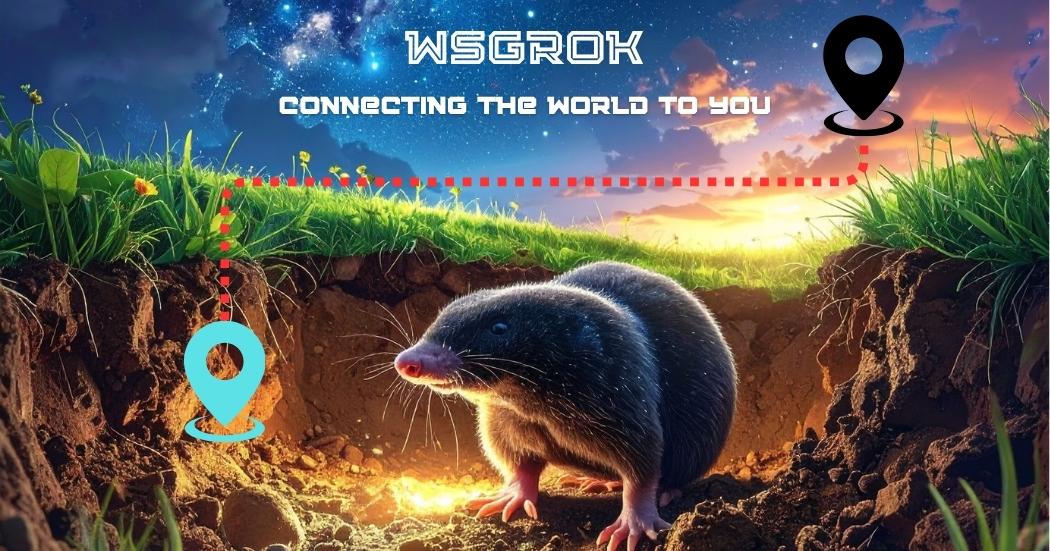
wsgrok provides secure HTTP tunnels to expose local development servers to the internet instantly. It offers custom subdomains, SSL encryption, and enterprise-grade security for developers.
wsgrok is a secure tunneling service designed specifically for developers who need to expose their local development servers to the internet quickly and safely. The product creates HTTP tunnels that allow developers to share their locally hosted applications, webhooks, or APIs with external services, collaborators, or clients without deploying to a public server. It serves developers building integrations for platforms like Slack, Discord, and Microsoft Teams, as well as those needing to test webhooks, demonstrate features, or collaborate remotely. The primary purpose is to eliminate the complexity of network configuration and provide a seamless bridge between local development environments and the public internet, enabling real-time testing and sharing.
Developers often face significant challenges when they need to test webhooks, demonstrate applications to stakeholders, or collaborate with team members on locally hosted projects. Traditional methods involve complex port forwarding, VPN setups, or deploying to staging servers, which are time-consuming and require networking expertise. These pain points delay development cycles, increase frustration, and hinder rapid iteration. wsgrok addresses this by providing an instant, secure solution that requires minimal setup, allowing developers to focus on building rather than configuring infrastructure. The tool solves the problem of inaccessible local servers during development, making it easy to integrate with third-party services that require public endpoints.
The first major feature group is custom subdomains and global server locations, which provide developers with beautiful, unique URLs for their local services. Users can create named subdomains like myapp.us-west1.wsgrok.com, making endpoints easy to remember and share. The service operates across multiple global regions, including US West, US East, and upcoming locations in Europe and Asia, allowing developers to choose servers near them for minimized latency. This geographical distribution ensures that traffic is routed efficiently, providing a fast experience for end-users regardless of their location. The system automatically handles DNS configuration and routing, so developers don't need to manage domain settings or server deployments.
SSL encryption and enterprise-grade security form the second critical feature group, ensuring all data transmitted through wsgrok tunnels remains private and protected. Every tunnel is secured with TLS encryption, which safeguards sensitive information from interception or eavesdropping. The platform includes intelligent attack prevention mechanisms that detect and mitigate malicious traffic, protecting local development servers from common web threats. Additional security features like authentication support (Basic and Token methods) and IP restrictions give developers control over who can access their exposed services. This comprehensive security approach allows developers to share their work confidently, knowing their data and systems are protected by robust, production-ready safeguards.
Publisher
A
admin
Launch Date2026-01-01
Platformweb
Pricingfreemium
Tech Stack
#CLI#REST APIs#Google Cloud
Domain Authority
Ahrefs DR6/100
Traffic Insights
Month2026-01
Estimated Visits0
MoM Visits GrowthN/A(+0)
Avg Time on Site0s