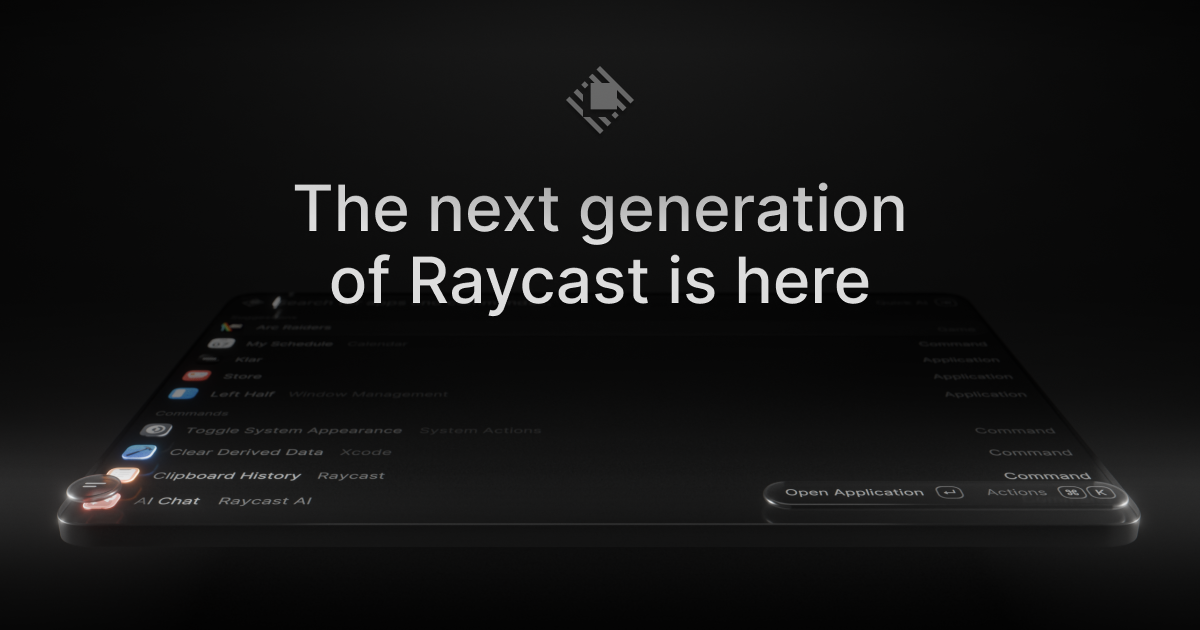
Raycast 2.0 is the next generation of Raycast, described by its creators as a new foundation, redesigned from the inside out. It is a launcher for macOS that acts as your shortcut to everything, and this release adds AI that can take action across your apps, Automations for recurring tasks, and Projects to keep ongoing work together. It is built for Mac users who want to move quickly across their desktop, combining a command launcher, file search, dictation, and an AI chat experience in one place. Raycast 2.0 is available to download now, and it requires macOS Tahoe and Apple Silicon.
The update exists because Raycast chose to rebuild its launcher on a new foundation rather than continue patching the previous one. Raycast V1 was already described as the best Launcher, so the bar for 2.0 was high: the goal was to keep what people relied on while modernizing the interface, the hotkey handling, and the AI experience. That scope comes with trade-offs the team states openly. Raycast calls this a major update and tells users to expect frequent updates and occasional rough edges. On installation, the new Raycast will replace Raycast V1; there are just a handful of missing features, and those will be added soon. The most concrete risk of any rebuild is losing a carefully tuned setup, so 2.0 is designed to bring your configuration with you instead of asking you to start over from scratch.
The core of the new release is a reworked AI experience built around two surfaces. Quick AI keeps you in the same Tab while adding more power, so you do not have to leave what you are doing to get an answer. AI Chat collects skills, agents, and memory in one place, giving AI work a persistent home inside the launcher rather than a one-off query box. Beyond answering questions, the AI in Raycast 2.0 can take action across your apps, which means the assistant is not limited to conversation alone. You can also connect your own ChatGPT or Claude account and put AI to work alongside the commands and extensions you use every day. Connecting your own account lets the AI you already use become part of the same surface as your launcher commands and extensions.
Several changes target the everyday speed of the launcher itself. File Search now sits in Root, described as one less step to find your files, so files are reachable from the top level of your search instead of requiring extra navigation. File search is also faster in v2, and the FAQ lists quicklinks and snippets tagging among the additions in this release. Because root search is where queries begin, moving File Search there shortens the path between thinking of a file and opening it. Quicklinks and snippet tagging build on the same idea: your own shortcuts, snippets, and saved searches stay close at hand rather than buried inside menus, which matters for people who run the same workflows dozens of times a day.
The look and feel of Raycast has been updated to feel right at home on macOS Tahoe, giving the v2 interface a refreshed appearance. The release also adds built-in dictation under the banner Type with your voice, so text can be entered by speaking without leaving the launcher. Settings have been reorganized, making the growing set of options easier to navigate as the product adds capabilities. In addition, you can configure inline, meaning hotkeys and aliases can be assigned directly from root search. That combination matters because a launcher is only fast when it is configured the way you actually work, and v2 places configuration and voice input on the same surface as search.
Raycast 2.0 also treats the upgrade itself as a migration rather than a fresh start. During onboarding you are prompted to import or migrate your data from Raycast v1, and if you skip the step or want to rerun it later, you can use the documented commands. The Migrate from Raycast v1 command automatically migrates your data, and importing settings at this step also imports and migrates all of your shortcuts to Raycast v2 and disables them from working in Raycast v1, ensuring that your hotkeys do not conflict. Raycast calls this the recommended approach because some extra data is not imported with the manual route, including Clipboard History, Wrapped, and the Emoji picker. The alternative, Import Settings and Data, is a manual import from a .rayconfig file that you must export from Raycast v1. For people who build their own tools, custom extensions also need attention: to import correctly you must be on the latest version of Raycast V1, or at least v1.104.16, and if they did not import automatically you can run npx @raycast/api@latest dev, which is designed to pick up the new version if it is running.
The benefits of Raycast 2.0 come from combining a faster launcher with AI that can act. Files are reachable in fewer steps, AI answers arrive in the same Tab through Quick AI, and longer AI work has a dedicated place in AI Chat with skills, agents, and memory. Built-in dictation offers a different way to input text when typing is slower than speaking. Because hotkeys and aliases can be assigned from root search and your existing shortcuts migrate from v1, the muscle memory you have already built keeps working in the new version. The result is a launcher that feels familiar on day one while offering more capability than before, which is exactly the balance the team set out to strike with a major rebuild.
In practice, that shows up in concrete workflows. You can type a file name and open the result directly from root search instead of navigating to a separate file search view. You can ask Quick AI a question in the same Tab while staying in the flow of your current task, or move into AI Chat when a task needs skills, agents, and memory to be sustained over time. Ongoing work can be kept together in Projects, while Automations handle recurring tasks so they do not have to be triggered by hand. When writing is faster by voice, built-in dictation takes over, and when you want a command at your fingertips you can assign a hotkey or alias to it straight from root search. Upgrading is itself a workflow: import during onboarding, or run the migration commands afterwards.
Raycast 2.0 is aimed at Mac users, and specifically at anyone running macOS Tahoe on Apple Silicon, since those are the stated minimum requirements. People already using Raycast V1 are the primary audience for the upgrade, and that includes extension developers, who need to be on Raycast V1 v1.104.16 or later for custom extensions to import correctly, or run the Raycast API dev command if they did not. Alongside the free download, Raycast offers Pro, Teams, and Enterprise plans, with pricing published on the Raycast site, plus an iOS app, a Windows page, and a browser extension in the wider Raycast family of products. AI in v2 can be used with your own ChatGPT or Claude account, letting you bring an existing AI subscription into the launcher.
Taken together, Raycast 2.0 is a rebuild of a launcher that many Mac users already depend on, and the site sums it up directly: the launcher, relaunched. A new foundation, redesigned from the inside out, with AI that can take action across your apps, Automations for recurring tasks, Projects that keep ongoing work together, AI Chat with skills, agents, and memory, built-in dictation, faster file search in root, and a migration path that carries your settings, shortcuts, and extensions forward. The value proposition is the combination: more capability in the same fast surface you already know, without asking you to rebuild your setup from zero.
Publisher
A
admin
Launch Date2026-09-12
Platformdesktop
Pricingfreemium
Tech Stack
#Raycast API
Traffic Insights
Month2026-09
Estimated Visits79.1K
MoM Visits GrowthN/A
Avg Time on Site-
MoM Time GrowthN/A
Global Rank#1,970,789