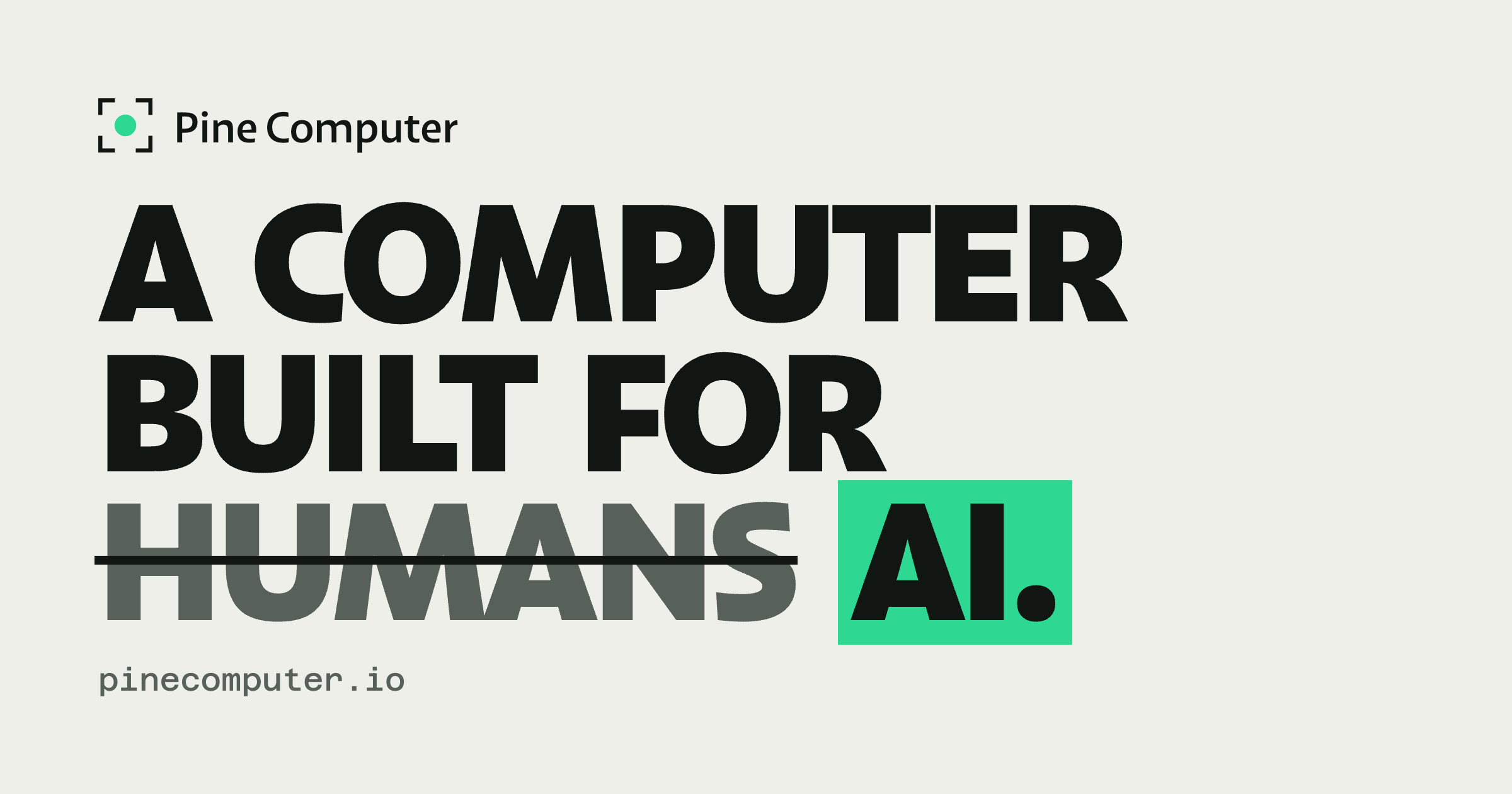
Pine Computer is a cloud computer built for AI to use. Rather than pointing an AI agent at an ordinary desktop, you hand Pine Computer a job — research, forms, spreadsheets, or portals that have no API — and the finished work comes back to your product. It exists so that software products can complete real work on the web rather than merely describe it. A single SDK lets you spin up a computer per customer, you can bring your own model or use Pine's, and a person can take over whenever a sign-in or approval is required. Pine Computer is invite-only while in beta.
The starting point is that today's agents are usually run on computers built for humans. A human looking at a screen sees pixels; a human has to keep checking that screen for change; and a human works on one or two screens at a time. An AI agent driving that same machine inherits every one of those constraints, which makes long, real-world tasks across many apps slow and expensive. Pine Computer also targets a specific and widespread gap: the many portals, seller sites, city systems and insurer forms that have no API at all, so the only way to get work done on them is to actually use them. On the same long, real-world tasks across apps, Pine reports that its preliminary tests ran 2–5× faster than AI agents on ordinary computers, at 1/25 the model API cost.
Two of Pine Computer's core ideas are reading structure and sensing change. Because humans see pixels but AI can read what each thing on a screen is and what it can do, Pine's AI works from the structure of an app rather than from images. In the examples shown on the site, that structure looks like a heading called Invoices, a field labelled Email that is empty, a field for PO number, a Submit button that can be clicked, a table with 12 rows and 3 columns, or a link that downloads a PDF. Working from that structure means the agent does not have to guess at coordinates or recognise pictures of buttons — it knows what a control is and what it can do with it. The second idea is sense: humans keep checking the screen, while Pine's AI is told what changed the moment it does. Notifications such as a completed download, or a window gaining focus, arrive as events rather than requiring the agent to poll and re-inspect the page.
The third idea is seeing: humans work on one or two screens, but Pine's AI gets many screens, rendered in memory and only when it needs to look. That is what allows an agent to fill a basket at three shops at the same moment, or to renew permits on three different city portals at once, without needing physical displays to exist the whole time. The fourth idea is access: the computer is sealed off on its own and reached through your code, and your keys stay with you. Together these four ideas — read, sense, see, access — describe how Pine Computer differs from running an agent on a machine designed for a person.
Pine Computer is designed to be embedded in your product. You spin up a computer per customer through one SDK, so each customer's work runs on its own machine rather than sharing a queue. You can bring your own model or use Pine's, which lets teams keep the model relationships, credentials and evaluation setups they already have. And a person can take over for sign-ins or approvals: where a portal asks for a login that only the account owner can provide, the human signs in on the live screen and hands the computer back to the AI. The site shows this in several examples — a property owner signing into a city portal for a permit, an analyst signing into a subscription research source, a shop owner signing into a marketplace, and a shopper approving a purchase before anything is spent.
The developer experience starts with code. The Ruby example on the site creates a computer with a location and an ephemeral flag, opens a browser session on it, and then runs a job written in plain language: pull last month's invoices from the supplier portals into the ledger. From the outside, Pine Computer behaves like a machine your product can hand a job to: the product submits the task, the AI drives the apps it needs, and the finished work comes back. Because each computer is sealed off and reached through your code, the integration boundary stays inside your own system rather than in a shared browsing environment, and because each customer gets their own computer, work can run in parallel instead of one task waiting behind another.
The stated benefits are speed and cost. In Pine's preliminary tests, on the same long, real-world tasks across apps, Pine Computer ran 2–5× faster than an ordinary computer driven by AI agents, and used 1/25 of the model API cost — model API cost only, with results varying by task. Beyond the headline numbers, the four design ideas produce practical outcomes: reading structure instead of pixels reduces the guessing that makes agents brittle; being told what changed removes the constant re-checking that burns time and tokens; virtual screens let one job fan out across several apps at once; and the sealed, code-reached design keeps access limited to you and your code.
The site lists 26 use cases, grouped into sites with no API, research, documents, assistants, sales and marketing, and engineering. Six are shown in detail. Renew permits: a customer clicks Renew once, and every permit due this quarter is renewed on its own city's portal, with each city's receipt returning to its permit's row as a PDF. Research a market: an analyst names a market and gets a report in which every figure carries the number of its source, including both figures where two sources size the market differently. Fill PDF forms: each client's row on a broker's sheet becomes a filled copy of the insurer's current PDF form, read back field by field, and nothing goes to the insurer until the broker has read each copy. Compare and buy: an assistant checks three shops at once, fills a basket in each, stops before payment, returns a comparison with delivery included in every total, and only places the order once the person approves. Update marketplace listings: a spring range is updated on Larkspur Market, Harbour Lane and Ferrow in turn, with each change recorded once the live listing reads back right. Test a web app: users write test steps in plain English, and each run follows them in a real browser on a fresh computer and screenshots every step.
Pine Computer is built for teams that are putting AI to work inside their own products — the examples describe property software, research software, broker software, an assistant, commerce software and a testing platform handing jobs to Pine. Access is currently invite-only while in beta; interested teams leave an email address, join the last step of an application, and request access. The site documents an SDK with a Ruby example, plus developer docs, and a create-computer call that takes a location such as country US and an ephemeral flag. There is no published pricing on the page, and no list of third-party integrations beyond the choice to bring your own model or use Pine's.
The takeaway is that Pine Computer turns the hard, human-shaped parts of web work into something your product can delegate. Read structure, sense change, see many virtual screens, and stay sealed off behind your own code — you hand it a job, and the finished work comes back, 2–5× faster and at 1/25 the model cost in Pine's preliminary tests.
Publisher
A
admin
Launch Date2026-10-10
Platformweb
Pricingfree
Tech Stack
#Ruby