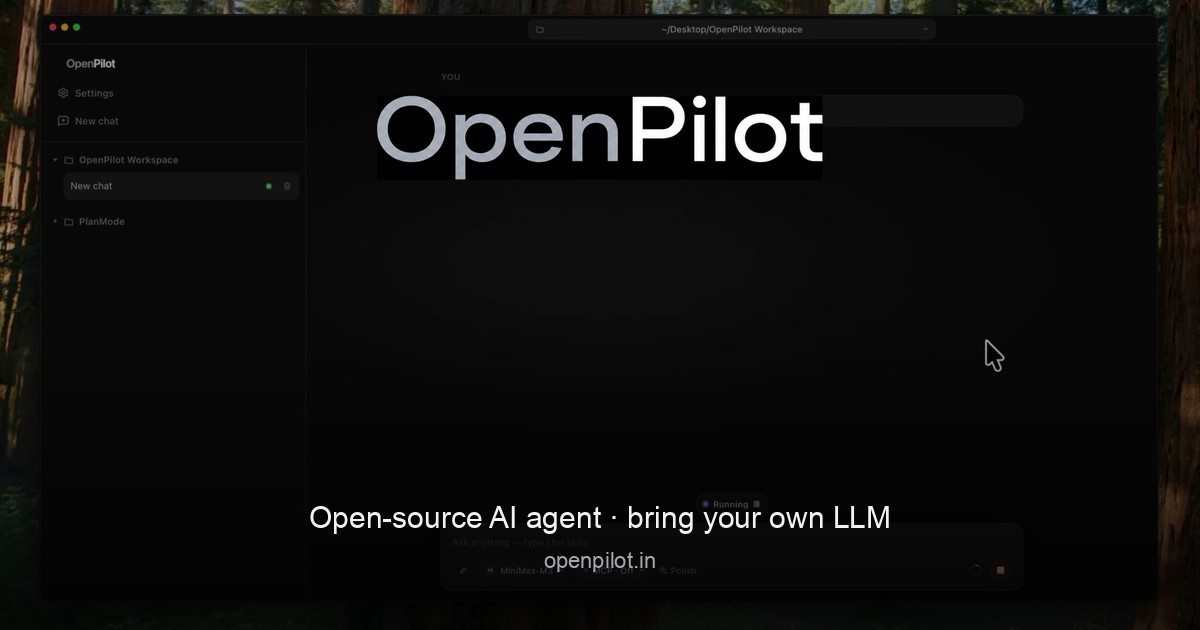
OpenPilot is an open-source desktop AI agent that runs locally and works with any large language model you choose. Instead of shipping a fixed, hosted model or forcing you through a vendor login, OpenPilot acts as a harness: you point it at any OpenAI-compatible API endpoint, add an API key, and the agent can then create files, scaffold projects, run real terminal commands, search the live web, and ship complete projects. It is built for people who want the agent itself—not the platform tax that usually comes with it—and who refuse to be locked into a single model provider. It is designed to be an agent that actually does the work, wiring filesystem tools, a live shell, web research, MCP, skills, and memory to the model you chose.
The problem OpenPilot addresses is vendor lock-in. Most AI agents today tie you to one provider's account, one set of models, and one billing relationship, which means swapping models or moving to a local server requires rewriting your workflow. OpenPilot's answer is a harness, not a hosted model marketplace. There is no OpenPilot account and no vendor login required. You bring an OpenAI-compatible endpoint and API key—whether that is OpenAI, OpenRouter, a local server such as Ollama or LM Studio, or your own custom gateway—and your usage stays local to your keys. That makes the tool portable across the models you already pay for and keeps you in control of where your data and your spend go.
The agent's filesystem tools are the foundation of its work. OpenPilot reads, writes, edits, greps, and globs across your workspace, so the agent can inspect a repository, understand its structure, and modify files in place. You can ask for a full project and watch the file tree fill in—for example package.json, src/index.ts, and src/routes/users.ts—and then refine the result with follow-up edits rather than starting over. Alongside file tools, the shell is a first-class capability. OpenPilot runs real terminal commands such as installing dependencies, starting servers, and running tests, streaming stdout back into the chat so you can see exactly what happened. This is not a pretend snippet; it is an actual shell connected to your machine, and you approve sensitive actions before they run. Because you explicitly open a workspace by pointing at a folder, the filesystem and shell access the agent receives is scoped to that workspace.
When the answers you need live outside the repository, OpenPilot performs live web research. Using TinyFish, the agent searches and fetches pages in real time—for example looking up documentation, an API reference, or a specific error message—and then grounds its answer in what it actually read, returning a cited answer alongside the fix. The agent also supports skills and long-term memory. You can drop reusable playbooks into the workspace as skills, and persist preferences in a file such as AGENTS.md, including instructions like preferring TypeScript strict mode, using pnpm in a particular repository, or never committing .env files. OpenPilot loads these into context automatically and can update its memory when you ask, so preferences carry across sessions instead of being retyped every time you start working.
For teams that need more than the built-in tools, OpenPilot connects to Model Context Protocol (MCP) servers, which can be flipped on per chat. MCP lets you extend the agent with the systems you already run—databases, browsers, or internal APIs—configured through an mcp.json file and enabled only when a conversation needs them. On the model side, configuration is deliberately simple: paste a base URL, an API key, and a model id, and you are connected. Each model can have its own custom base URL and key, so you can swap providers without rewriting your workflow. OpenPilot also shows session and lifetime token usage in-app, giving you visibility into consumption across the endpoints you use, both cloud APIs and local OpenAI-compatible servers.
OpenPilot's overall approach is a three-step workflow. First, add a model by pasting your base URL, API key, and model id—no account with OpenPilot is required. Second, open a workspace by pointing the app at a folder; the agent then receives filesystem and shell access there. Third, describe the outcome you want: ask it to build, fix, research, or automate something, and then review the tool trail as it works. That tool trail is central to how OpenPilot operates. Rather than presenting an answer as a black box, the agent surfaces the sequence of tool calls it makes—file writes, edits, commands, searches—so you can follow along and intervene where needed.
The benefits follow directly from that design. Because the agent runs locally as a desktop application and uses your own keys, there is no vendor login and no locked-in models; you keep usage local to your keys and stay portable across providers. Swapping models does not require rewriting your workflow, so the same working habits carry across a cloud API, a local server, or a custom gateway. Token tracking in-app makes spend visible at both the session and lifetime level. Skills and memory reduce repetition by carrying your preferences and playbooks into context automatically, and MCP support means the agent can reach the systems you already rely on. For developers who want an AI agent that works on real files and real terminals, OpenPilot delivers that capability without the platform tax.
Concrete scenarios described in the content include scaffolding an entire project from a prompt and then iterating in place with follow-ups; installing dependencies, starting servers, and running a test suite such as npm test with the results streamed back into the chat; researching documentation, APIs, or errors that live outside the repo and receiving a cited answer plus a fix; and automating build, fix, or research tasks by simply describing the desired outcome. Users running local models through Ollama or LM Studio can keep everything on their own machine, while those using OpenAI, OpenRouter, or a custom gateway can move between cloud providers as needed. MCP connections extend these same workflows to databases, browsers, and internal APIs when extra tools are required.
OpenPilot is aimed at developers and builders—people who want the agent rather than the platform tax and who refuse vendor lock-in. It ships as a local Electron desktop application under the MIT license, and pricing is free. Windows is available now with a 64-bit installer and a portable executable, requiring Windows 10 or later (x64); macOS builds for Apple silicon and Intel are releasing soon. The model layer is bring-your-own, using any OpenAI-compatible endpoint, including OpenAI, OpenRouter, local Ollama or LM Studio servers, or a custom base URL gateway.
In short, OpenPilot is an open-source desktop AI agent that puts you in control of the model, the keys, and the machine. Own the harness, bring the model, and let the agent do the work—without vendor lock-in.
Publisher
A
admin
Launch Date2026-10-10
Platformdesktop
Pricingfree
Tech Stack
#Electron#Model Context Protocol (MCP)