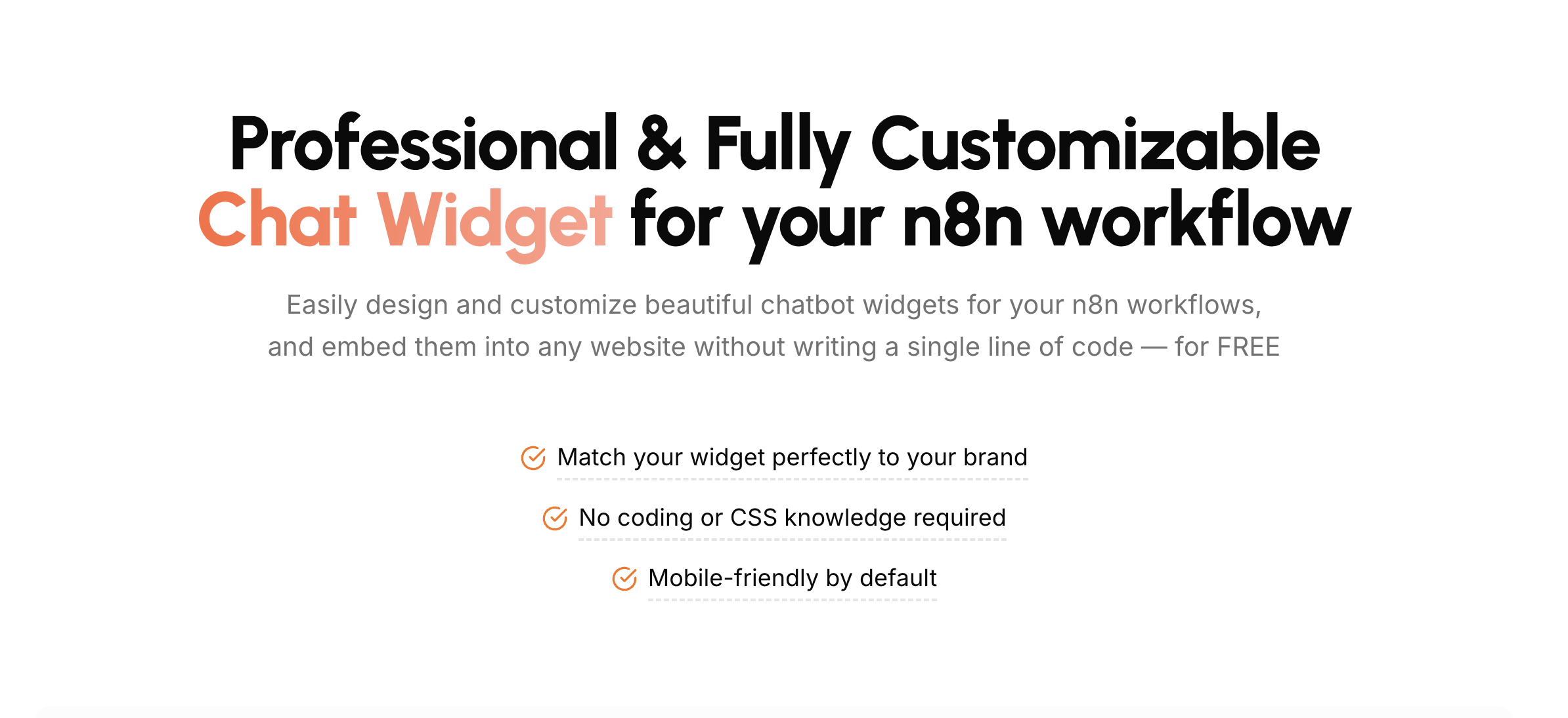
N8N Chat UI is a no-code builder for designing and customizing AI chat widgets that connect to n8n workflows and can be embedded into any website. It is built for n8n users, agencies, SaaS teams, and businesses that want a chat experience matching their brand without writing HTML, CSS, or JavaScript. The site describes a simple flow: design a mobile-friendly chat experience with a live preview, connect it to any n8n workflow, and embed it anywhere with a simple copy-paste. The product positions itself as an upgrade to the default n8n chat widget, adding deep customization, streaming, voice, file uploads, flexible layouts, and a JavaScript API for advanced integrations.
The product exists because, in the words of the site, n8n's chat widget "definitely gets the job done — but just barely." Three specific complaints are called out. First, the generic interface: the default chat UI looks very basic. Second, limited customization options: customization is described as extremely limited, making it difficult to match your brand. Third, technical expertise required: further modifications require knowledge of HTML, CSS, and JavaScript. That combination leaves teams with a chat experience that works technically but does not represent their brand and cannot be changed without engineering help. N8N Chat UI addresses each point directly by putting appearance, layout, and input options into a visual builder that requires no coding or CSS knowledge, while still exposing options like a JavaScript API for users who want to go further.
The core of the product is easy customization with instant setup. A widget configuration area lets you design widgets with your own branding and see changes live as you make them, then add the result to any website with a simple copy-paste. No technical skills are needed. The chat bubble itself is adjustable: you can modify its size, position, colors, and custom icon, choose a border radius style (circle, rounded, or none), set a custom icon URL, custom icon size, custom icon border radius, color of internal icons, bubble size in pixels, right position, bottom position, and toggle options such as a draggable bubble and auto open bot window. The site also lists a bubble, tooltip, window, footer, and advanced set of customization areas in the builder, and states the widget is mobile-friendly by default and works with no coding or CSS knowledge required.
Display is flexible. You choose how your widget appears — as a floating bubble or embedded directly in your page content — using either an in-page or a popup widget type. The site emphasizes that this fits perfectly with your site's layout, so the widget can be a persistent floating launcher or a component placed within the page body. The three-step flow begins with selecting a type (for example, popup), then customizing, connecting, and embedding. Responsive and modern design is a stated feature: the widget is described as looking and functioning great on any device — desktop, tablet, or phone — with a clean, modern, and always user-friendly design.
Beyond appearance, the widget adds richer interaction options. File upload support lets users send files directly through the chat, with you controlling which types of files are allowed and setting limits on size and quantity. Voice chat lets users record and send audio messages directly from the chat widget, enabling a voice-driven chat experience. Real-time chat streaming can be added with zero configuration: enable it in n8n and your widgets automatically support streaming, so responses arrive progressively instead of appearing all at once.
Functionally, the product sits between your n8n workflow and your website. You build the interface in the N8N Chat UI builder, connect it to any n8n workflow, and embed the generated widget into any website. A JavaScript API is available for advanced integrations beyond the copy-paste path. The site also introduces a newer capability: customization with natural language. By connecting Claude or any other AI tool to the product's MCP server, you can customize your widget using natural language instead of clicking through settings, with documentation linked for connecting to Claude Desktop. That gives two routes to the same outcome — a visual no-code builder and an AI-assisted configuration path.
The stated benefits are practical. You get a widget that matches your brand perfectly without coding or CSS knowledge, mobile-friendly behavior by default, and changes visible immediately through live preview before you embed. Because setup is copy-paste, publishing a new look does not depend on a developer. The customer section summarizes consistent feedback as easy to use and customize, looks professional, saves time, and works everywhere — reflecting the combination of on-brand design, fast setup, and cross-device behavior.
Typical scenarios follow from those capabilities. A business can place a branded assistant on its website that answers through its existing n8n workflow. A team that wants a persistent entry point can use a floating, draggable bubble that optionally opens the bot window automatically, while a team that wants the chat inside the page can embed it in page content. Support flows that need attachments can accept files through the chat with controlled types, sizes, and counts. Voice-first experiences can let visitors record audio messages instead of typing. Teams building chat for clients or products can wire up a JavaScript API for deeper integration, and users who prefer describing changes can adjust the widget through an MCP-connected AI tool like Claude.
The target audience named on the site is n8n users, agencies, SaaS teams, and businesses, and the site reports that 2,803 users have already built their widgets. Pricing is presented as a freemium-style entry with credits: you can start designing your widget now with 100 free credits, and a promotional banner advertises a lifetime license at $59 (from $149) plus 2,500 free credits. The product is delivered as a web-based builder, and it interoperates with n8n workflows, Claude and other AI tools through the MCP server, and any website that can host an embed.
Overall, N8N Chat UI is a focused layer on top of n8n: it keeps your existing workflow logic while replacing the plain default chat interface with a customizable, mobile-ready widget. Its value proposition is straightforward — design a beautiful, on-brand AI chat widget without code, connect it to n8n, and embed it anywhere, with voice, file uploads, streaming, and an API available when you need more.
Publisher
A
admin
Launch Date2026-10-27
Platformweb
Pricingfreemium
Tech Stack
#n8n#MCP