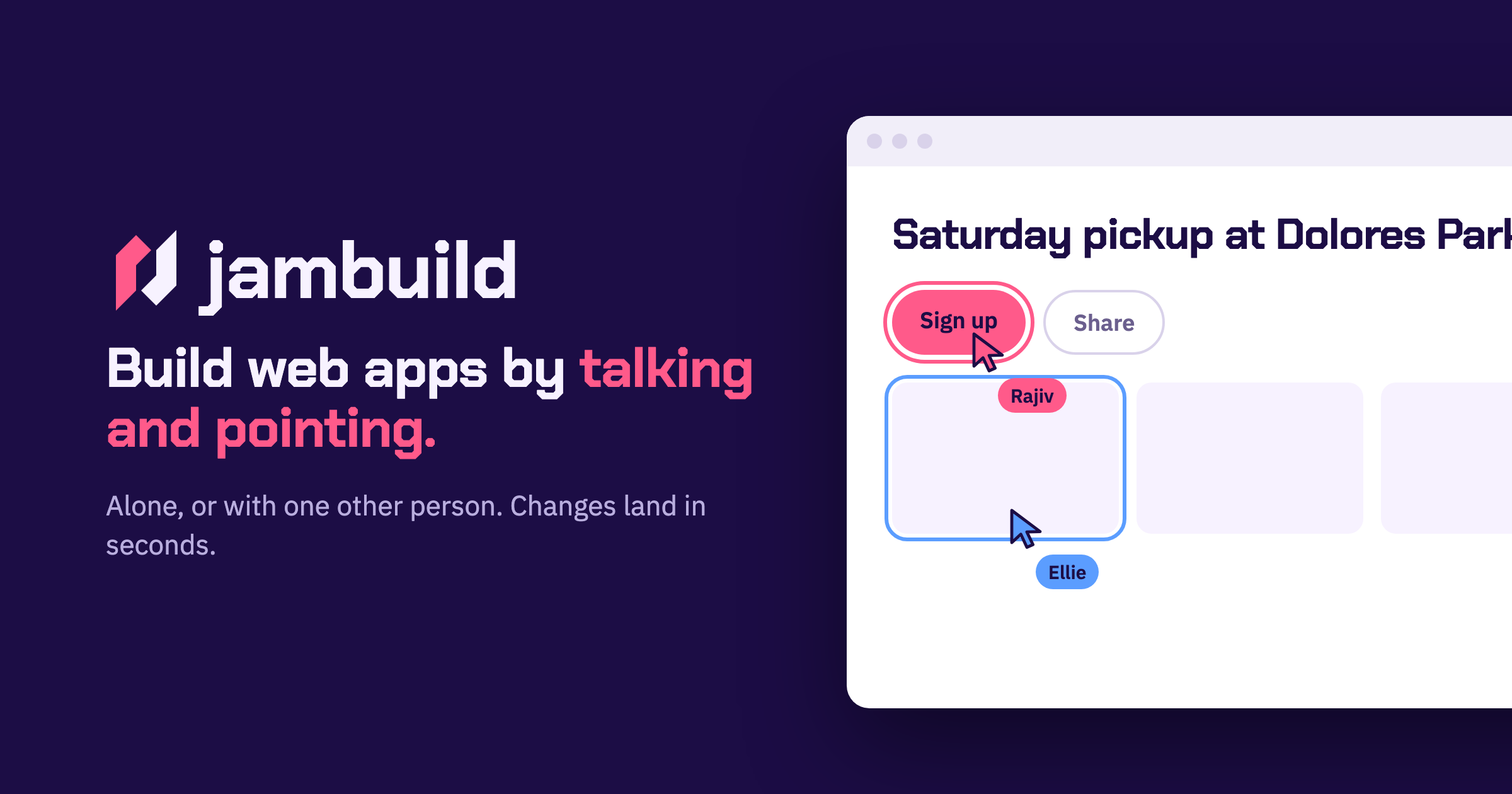
jambuild is a tool for building web apps in real time by talking and pointing. Rather than typing code or writing out long specifications, you describe what you want out loud and point at the part of the page you are talking about. The website promises that changes land in less than ten seconds and that you keep talking while they land, so the conversation with the page never really stops. You can build alone, or you can send a link and build with one other person, with both of you talking, pointing and clicking on the same page. The Product Hunt listing describes jambuild as a "multiplayer vibecoding tool where you talk and point with your mouse, and every change lands in seconds," and adds that it has limited credits to try it out, with the option to bring your own API keys to unlock more usage.
The traditional path from an idea to a working web app usually runs through a keyboard. You open an editor, set up a project, and translate what you can see in your head into syntax a machine will accept. jambuild removes that translation step by making the microphone the keyboard. The stated promise is simple: describe a page and a first version appears in seconds. That speed matters because it keeps you in the idea rather than in the implementation. Because changes land in less than ten seconds, you can correct course immediately instead of waiting for a build, a refresh or a manual edit. The second problem jambuild addresses is collaboration. Building is rarely a solo activity, but screen sharing, passing a laptop back and forth, or describing a change over a call are all clumsy. jambuild instead puts two people and two cursors on one page.
The first way to work in jambuild is by talking. The site frames it directly: your microphone is the keyboard. You describe a page out loud and a first version appears in seconds. In the example shown on the website, Maya describes a sign-up page out loud; her words appear in the prompt box and the window is outlined in pink while she is being heard. That pink outline is the interface telling you it is listening, so you know when your speech is being captured and turned into instructions. Because the description is spoken rather than typed, you can talk in the same loose, conversational way you would when explaining an idea to a colleague, which is exactly the kind of description jambuild is designed to turn into a working page.
Talking alone is not always precise enough, so jambuild adds pointing. As you move your mouse over the page, whatever you are hovering over lights up, and it lights up for both people in the room, not just for you. That shared highlight means the other person can see exactly which element you mean before you say a word about it. Once the element is highlighted, you say what it should become. In the website's example, Sam moves over the roster, the roster lights up in his colour, and he asks for it to be split into three teams. Pointing solves the ambiguity problem in spoken instructions: instead of describing where something is on the page, you simply put your cursor on it.
The third interaction is clicking. You click anything on the page and say what should happen to it, and the change lands in seconds. Clicking differs from pointing in that it selects a specific element for a specific instruction rather than simply indicating an area. The site's illustration is Maya clicking the Sign up button and asking for it to be bigger and orange. Because the click carries the target and the speech carries the intent, you can make that kind of adjustment without opening a design tool, finding the component in a codebase, or editing a style rule. The result appears and lands within seconds, which keeps the session moving.
The fourth piece is the multiplayer part, and the site names it simply "Together." You send a link, and the person you invite joins you on the same page. You both talk, you both point, and it remains one page rather than two copies that need merging. The website shows Maya and Sam both talking at once, with both requests building and both changes landing. Because each participant's highlighting appears in their own colour, you can tell at a glance who is indicating what. Changes land in seconds for both of you, so neither person is working from a stale view of the page. The site's social image also describes two cursors, Rajiv and Ellie, on the same page, illustrating two people active on one page at the same time.
Getting started is deliberately lightweight. You sign in with Google to start a room, and the person you invite does not need an account. That asymmetry matters for collaborative sessions: one person can create the room, share the link, and the other participant can join and contribute without going through a sign-up flow first. Once you are in, the loop is consistent — talk, point, click, watch the change land in less than ten seconds, and keep talking. jambuild holds a session to two people at a time, so it is explicitly designed for a pair rather than a crowd. Usage runs on credits: there are limited credits available to try the tool out, and you can bring your own API keys to unlock more usage beyond that.
The obvious benefit is speed of iteration. Changes landing in less than ten seconds means the distance between saying something and seeing it is short enough that you never leave the flow of the conversation. The second benefit is accessibility of the building process. If your microphone is the keyboard, you do not need to recall syntax, hunt for the right file, or know where a particular style is defined — you describe what you want and the page responds. The third benefit is tighter collaboration. Two cursors on one page, both lighting up elements in their own colours, both able to speak and be heard at the same time, removes the usual back-and-forth of explaining changes to someone who cannot see your screen.
The examples shown on the website suggest concrete ways to use it. A designer or product person can describe a sign-up page out loud and get a first version in seconds, which is useful when you want to react to something visible rather than a written spec. Someone working with structured layouts, like a roster, can point at the roster and ask for it to be split into three teams, reshaping structure by indicating the element rather than editing markup. For visual tweaks, clicking the Sign up button and asking for it to be bigger and orange shows how small styling requests are handled in conversation. And for pair work, two people can open the same room, both talk and point at once, and watch both sets of changes land.
jambuild is aimed at people who want to build web apps without working through a code editor: it is described on Product Hunt under the topics Prototyping, Artificial Intelligence and Vibe coding, which places it with tools used for rapid prototyping and AI-assisted building. The entry point is a Google sign-in to start a room, and collaborators join through a link without needing an account of their own. Rooms hold two people, so the intended unit is a pair — a builder and a collaborator, or two people shaping a page together. On pricing, the Product Hunt listing notes limited credits to try it out, with the option to bring your own API keys to unlock more usage. No specific plan tiers or prices are stated on the website.
jambuild's value proposition is easy to state because the product states it so plainly: build web apps in real time by talking and pointing. Your microphone replaces the keyboard, your cursor identifies what you mean, a click targets it, and changes land in less than ten seconds. Add one other person through a link and the same speed applies to both of you on a single shared page. For anyone whose bottleneck is the gap between an idea and a first working version, jambuild closes that gap in conversation.
Publisher
A
admin
Launch Date2026-10-01
Platformweb
Pricingfreemium