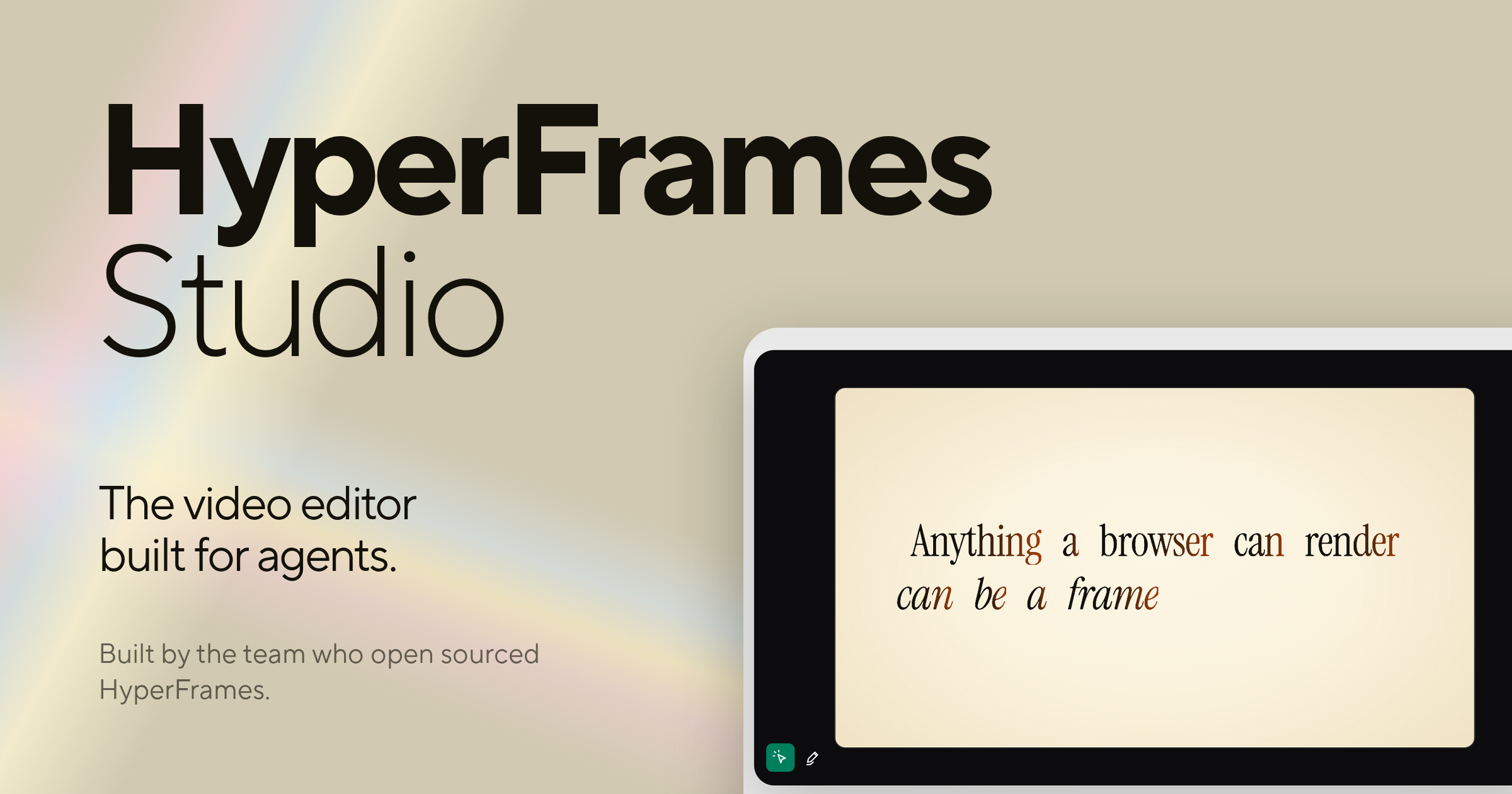
HyperFrames Studio is a desktop video editor built specifically for AI agents. Developed by HeyGen, the team who open sourced HyperFrames, it packages all of HyperFrames Studio into a single desktop application that works with your files and apps to get things done. Rather than treating AI as a side utility, HyperFrames Studio turns coding agents into video editors while the human stays in the director's seat. It is aimed at creators, developers, and teams who already work with agents such as Codex or Claude Code and want to describe a video, let their agent make it with HyperFrames, and then refine the result together inside one shared studio editor.
The product exists on a foundation that the team built in the open before releasing the Studio editor. HyperFrames is open sourced under the Apache-2.0 license on GitHub at heygen-com/hyperframes, and that project has grown to 57.4k GitHub stars, 813.1k npm downloads in the last week, 5.1k forks, and 80 contributors. HyperFrames Studio is built by the same team behind that open-source work. The problem it addresses is a familiar one for anyone who has tried to produce video: editing is traditionally a manual, hands-on craft that does not fit neatly into agent-driven workflows, and most video tools assume a person is doing every step by hand. HyperFrames Studio closes that gap by making the video editor itself something an agent can operate, so the same agents people already rely on for coding work can also participate in building video, with the human retaining direction over the result.
One of the core pieces of HyperFrames Studio is that it is delivered as a desktop application. The website lists a macOS download and a Linux download, while Windows and Windows on arm64 are marked as coming soon. The desktop build is described as containing all of HyperFrames Studio in one app, and it is said to work with your files and apps to get things done. This desktop-first approach matters because video work involves media files, local assets, and repeated iteration, and a native application can sit directly alongside the files and tools a user already has open. For organizations that need more than an individual download, there is also an enterprise deployment option, which is available by contacting the HeyGen sales team through the contact page, so the same studio can be rolled out beyond a single creator's machine.
The defining feature of HyperFrames Studio is its support for coding agents. The Product Hunt description explains that you can bring your favorite agent, either Codex or Claude Code, and that HyperFrames Studio turns those coding agents into video editors while you stay in the director seat. This is the core reason the product exists: instead of learning a separate automation layer or writing custom scripts, a user brings an agent they already work with and gives it the ability to operate inside a video editor. The agent becomes the execution arm for editing tasks, while the person remains responsible for the creative direction, deciding what the video should be and judging whether the output matches that intent.
A second key capability is the describe-and-generate workflow combined with shared editing. The stated flow is simple: describe a video and your agent makes it with HyperFrames. From there, you and your agent work on it together in one studio editor. This means the first draft does not have to be assembled by hand from a blank timeline; it can be produced from a description, and then the work continues collaboratively in the same environment. Keeping generation and refinement in one studio editor avoids handing finished work back and forth between separate tools, so the agent's output and the human's edits live in the same place and can be adjusted in the same session.
HyperFrames Studio is closely tied to the open-source HyperFrames project. The framework is released under the Apache-2.0 license on GitHub at heygen-com/hyperframes, and the site provides an install command, npx skills add heygen-com/hyperframes, alongside documentation and a call to star the repository on GitHub. The open-source nature is significant because it means the underlying video framework is publicly available and community-driven, with the visible traction of 57.4k GitHub stars, 813.1k npm downloads in the last week, 5.1k forks, and 80 contributors. Developers can add HyperFrames skills to their own environments using the provided command, read the documentation, and follow or contribute to the project on GitHub, which keeps the studio connected to a larger ecosystem rather than being a closed, isolated app.
The overall approach of HyperFrames Studio can be summarized as pairing a professional-style studio editor with agent-driven video creation. You access HyperFrames Studio on desktop, bring an agent such as Codex or Claude Code, describe the video you want, let the agent generate it with HyperFrames, and then continue working on the result together in one studio editor. This keeps the human in a directing role and the agent in an execution role within a single shared workspace, rather than splitting those responsibilities across disconnected tools. The combination of an open-source framework, a desktop application, and agent integration is the distinct methodology the product is built around.
The benefits of this setup follow directly from how it is designed. Because the agent can take a description and produce an initial video with HyperFrames, users do not have to begin from an empty project purely by hand. Because you and your agent then work on the video together in one studio editor, the iteration loop stays inside a single environment. And because the underlying framework is open source under Apache-2.0, the work sits on a publicly available foundation with a large community behind it, which gives developers a path to inspect, extend, and integrate with the technology they are using.
Concrete use cases for HyperFrames Studio center on agent-assisted video production. A user can describe a video and have their agent make it with HyperFrames, using a natural-language brief as the starting point rather than a manual build. A creator and their agent can then collaborate on that video together in one studio editor, refining the output in a shared session. Developers who want to bring HyperFrames into their own workflows can install it with the npx skills add heygen-com/hyperframes command and follow the documentation. Teams that need a managed rollout can take advantage of the enterprise deployment option by contacting HeyGen sales. And anyone working with Codex or Claude Code can add video editing to the capabilities of an agent they already use.
In terms of audience and availability, HyperFrames Studio targets people who work with AI coding agents and want to produce video. The Product Hunt description frames it around users who have a favorite agent, either Codex or Claude Code, and the website frames it around staying in the director's seat while an agent does the editing work. Its open-source foundation, GitHub presence, and npm distribution point to a developer and technical creator audience, while the enterprise deployment option and HeyGen sales contact indicate it also serves organizations that need managed rollouts. The product is available as a desktop application, with macOS and Linux downloads listed, Windows and Windows on arm64 marked as coming soon, and enterprise deployment available on request.
Taken together, HyperFrames Studio reinforces a single value proposition: it is the first video editor built for agents, letting you bring a coding agent like Codex or Claude Code into the editing process, describe a video and have it made with HyperFrames, and then work on that video together with your agent in one studio editor while you remain in the director's seat. Built by the team who open sourced HyperFrames at HeyGen and released under Apache-2.0 on GitHub, it combines an open-source video framework with a desktop studio designed around agent collaboration.
Publisher
A
admin
Launch Date2026-10-06
Platformdesktop
Pricingfree