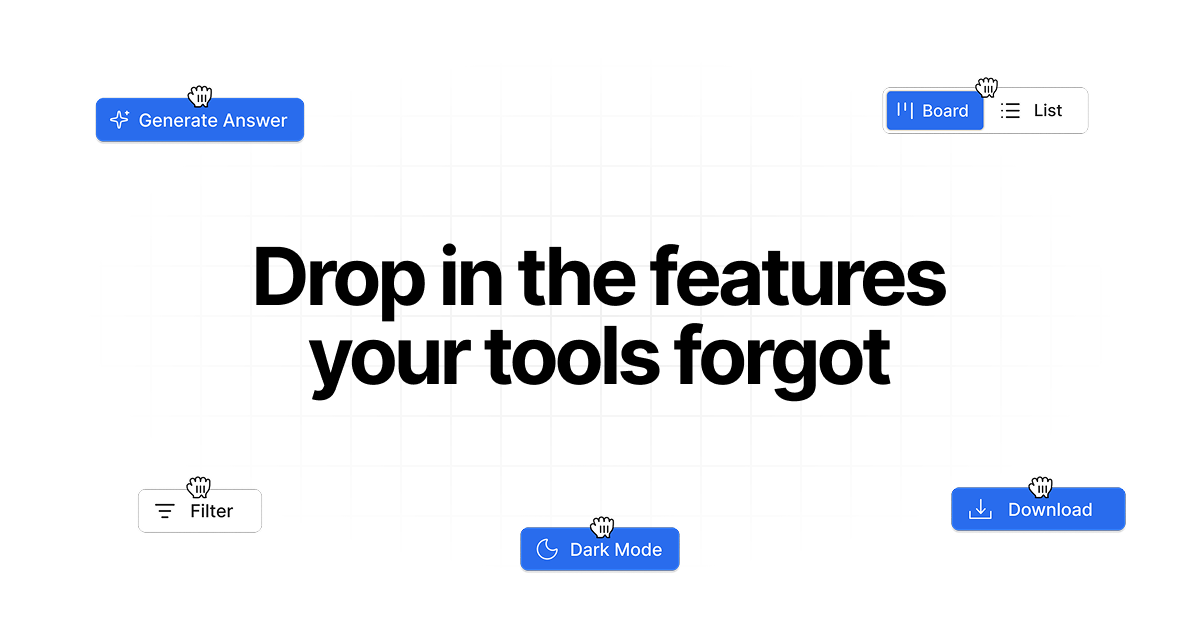
Drop in adds custom features, smart workflows, and integrations to any web app. Describe what's missing and watch it appear in your favorite applications.
Drop in is an innovative Chrome extension designed to empower users by adding custom features, smart workflows, and integrations directly into any web application they use. It serves professionals across sales, support, and productivity roles who need to enhance their daily tools without waiting for official updates or learning complex development. The primary purpose is to bridge the gap between the static functionality of existing web apps and the dynamic, personalized needs of modern workflows, allowing users to describe a missing feature and see it materialize instantly within the application's interface. This tool transforms the browser from a passive viewer into an active, customizable workspace, fundamentally changing how individuals and teams interact with their software ecosystem.
Many professionals face the frustrating limitation of using web applications that lack specific features crucial for their efficiency. Teams often rely on a patchwork of tools like HubSpot, LinkedIn, Slack, and Google services, but these platforms rarely integrate seamlessly or offer every needed capability out-of-the-box. The pain point is acute: users must constantly switch between tabs, manually copy data, or use clunky workarounds, which drains time and increases error rates. This problem is compounded by the slow pace of feature requests to software vendors, leaving teams stuck with suboptimal processes. Drop in directly addresses this by putting customization power in the hands of the user, eliminating the wait and dependency on third-party developers for essential workflow improvements.
The first major feature group is the ability to add custom visual elements and controls directly into any web page. This includes buttons, panels, toggles, and information cards that appear as if they were native parts of the application. For instance, users can add an 'Export Conversation' button to ChatGPT or a 'HubSpot Lookup' button to LinkedIn profiles. The system works by allowing the user to describe the desired feature in plain language, and the AI interprets this to generate the necessary code that injects the element into the Document Object Model (DOM) of the page. This matters because it enables immediate visual customization without requiring any knowledge of HTML, CSS, or JavaScript, making powerful web modification accessible to non-technical users for the first time.
The second major feature group revolves around creating smart workflows and automations that connect different web applications. Users can build integrations that, for example, capture business details from a Google Maps profile and send them automatically to an Airtable base, or check if a LinkedIn contact exists in a HubSpot CRM. These workflows are triggered by user actions within the browser and can manipulate data across sites. The feature works by listening to page events and executing predefined sequences of actions, such as data extraction, API calls, and form filling. This is significant because it turns disparate web apps into a cohesive, automated system, drastically reducing manual data entry and the cognitive load of managing multiple platforms simultaneously.
Publisher
A
admin
Launch Date2026-02-16
Platformweb
Pricingfreemium
Domain Authority
Ahrefs DR8/100
Traffic Insights
Month2026-01
Estimated Visits0
MoM Visits GrowthN/A(+0)
Avg Time on Site0s