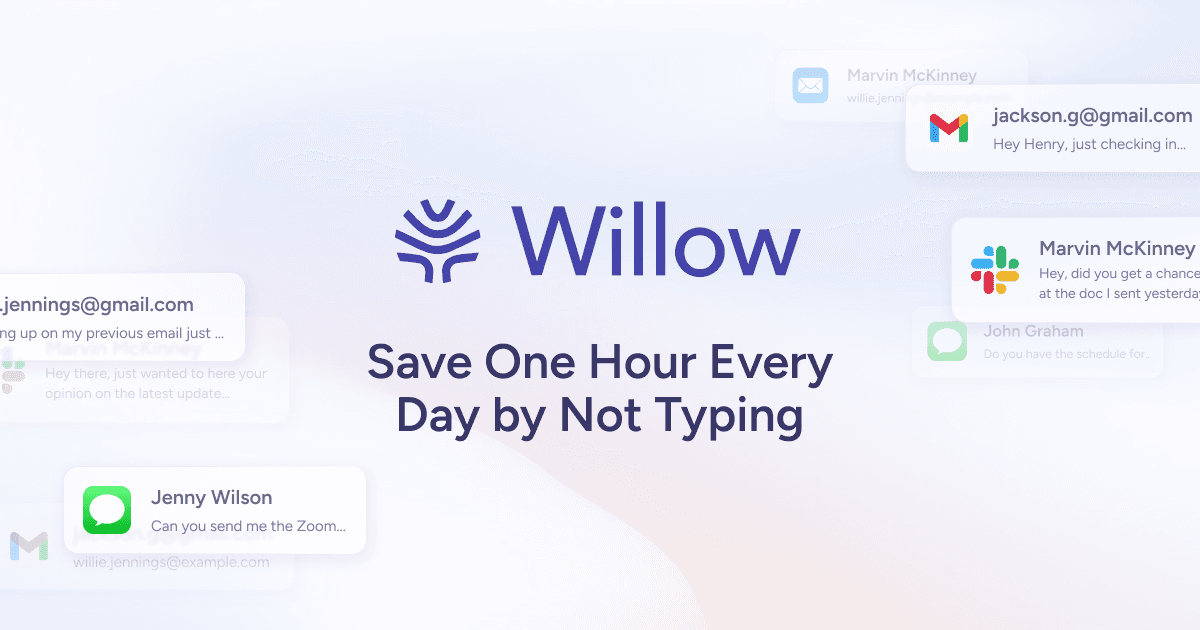
Willow is an AI voice typing tool that lets you speak instead of typing messages, emails, and prompts. It works anywhere on your computer with automatic editing and formatting.
Willow is an AI dictation software that transforms spoken words into perfectly formatted text across every application on Mac, Windows, and iPhone. Designed for professionals who need to write faster—including leaders, developers, sales teams, customer support agents, lawyers, healthcare workers, and students—Willow turns voice into the fastest interface for creating, communicating, and working. Its core value lies in reclaiming up to five hours per week by enabling four times faster writing compared to typing. Trusted by over 100,000 professionals and teams from companies like HubSpot, Reddit, Instacart, and Yelp, Willow has been adopted as a core productivity tool. It provides a seamless experience across devices, ensuring that users can dictate from their desktop or pocket without losing momentum. The software's accuracy and speed—text appears in as little as 200ms—make it a reliable alternative to traditional typing.
The fundamental problem Willow solves is the friction and inefficiency of typing, which forces users to translate spontaneous thoughts into slow keystrokes. This bottleneck hampers productivity, especially in fast-paced environments where quick replies, detailed documentation, or creative writing are essential. Willow eliminates that barrier by letting users speak naturally, capturing ideas at the speed of thought without worrying about punctuation, formatting, or filler words. For professionals who spend hours on email, messaging, and documentation, this means less time wrestling with keyboards and more time acting on ideas. The tool's ability to handle background noise, whispering, and fast speakers through Whisper mode ensures consistent performance even in challenging acoustic conditions. By removing the intermediate steps of typing and editing, Willow directly addresses the core inefficiency in modern knowledge work.
Willow's core Dictation feature works anywhere you place a cursor—Slack, Gmail, Notion, iMessage, Cursor—by simply pressing a hotkey and speaking. It automatically removes filler words, fixes punctuation, and formats the text flawlessly. This smart formatting ensures that the output reads like polished writing, not raw transcription. Users don't need to edit or clean up afterward; the perfect text appears immediately upon releasing the hotkey, with text appearing in as little as 200ms. The accuracy is three times higher than built-in dictation, making it reliable for professional use. This seamless integration across applications eliminates context switching and makes dictation a natural extension of everyday workflows. The hotkey workflow is intuitive: click, hold, speak, release—and the formatted text lands exactly where needed.
Publisher
A
admin
Launch Date2026-01-31
Platformweb
Pricingfreemium
Domain Authority
Ahrefs DR52/100
Traffic Insights
Month2026-01
Estimated Visits175K
MoM Visits Growth+20.2%(+29.4K)
Avg Time on Site46s