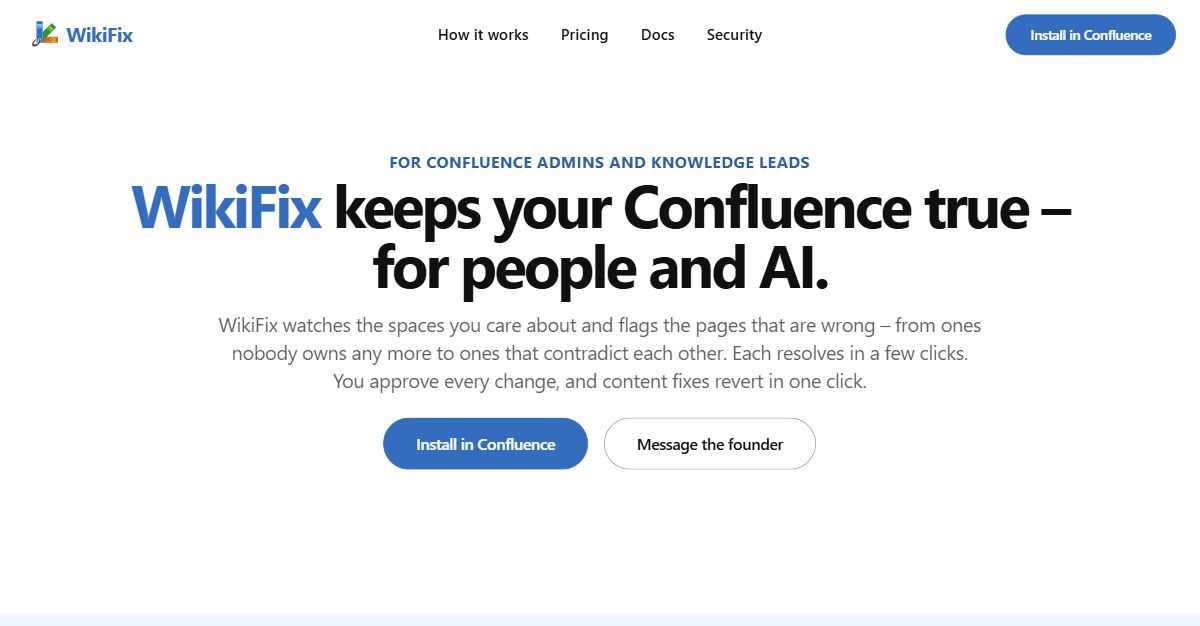
WikiFix for Confluence is a knowledge base maintenance tool built for Confluence admins and knowledge leads. It watches the spaces you care about and flags the pages that are wrong — from pages nobody owns any more to pages that contradict each other — and each finding resolves in a few clicks. You approve every change before it is written, and content fixes revert in one click, so nothing happens until you decide it should. Its purpose is to keep your Confluence true for people and for AI.
The problem WikiFix addresses is documentation drift. Pages quietly go stale, and the page you needed to be right is often the one that quietly drifted. An incident hits and you pull up the payments outage runbook, only to find half the steps do not match reality: one tells you to SSH into a host that is not found, another to restart a service that no longer exists. A new hire works through the developer setup guide step by step on day one and nothing works — old screenshots, dead links and steps that no longer exist — so a day is burned before they ship a line. The same drift reaches AI: Rovo and every copilot answer from the same Confluence your team does, so whatever mistakes live in your docs get repeated back and acted on, confidently and at scale. The reason these problems persist is scale — as the site puts it, you cannot read 5,000 pages to find the ten that are wrong.
The first capability is that WikiFix finds what is actually wrong, not just what is old. It is explicitly not a date filter. WikiFix reads the content and finds the pages that disagree with each other, then lays the claims side by side, quoted from each page, so you can settle which one is right. A finding might show that a leave policy page and an onboarding checklist both say five days of unused leave carry over, while the HR handbook says ten. Because each claim is quoted from its source page, you can decide the correct answer without opening page after page yourself.
Second, each finding is reviewable without opening the page: see it, click, and it is fixed. You pick the answer that is right, WikiFix writes the fix, you check it and click — no busywork, no going through page after page. WikiFix only surfaces findings it is confident about. Today it catches pages that contradict each other, duplicate and near-duplicate content, and pages whose owner has left. For contradictions, you choose which claim is right and every page that disagrees is corrected. For duplicates, you pick the page and the unique facts that survive, and the rest fold and point to the source of truth. For an orphaned page, a scan spots it and you can reassign the owner in one click.
Third, nothing happens without you. WikiFix writes nothing until you approve it, and a content fix reverts in one click — the page goes back as it was. Reassigning the owner of an abandoned page is the one action that does not undo, and the card tells you before you click. If the finding is not yours to settle, Ask owner posts an inline comment on the page that lays out what each page says and @mentions the owner and the space admins; the finding then moves to the Escalated tab. Findings that reference a page you cannot access are hidden.
WikiFix works where your docs already live: there is no migration and no new tool to roll out, because it runs inside the Confluence you already have. It monitors the spaces you choose and scans them, keeping a running view of each space — Engineering, Product, Support, IT runbooks, People, Sales and others — with counts of conflicts, unowned pages and duplicates. It also sends a weekly scan summary that shows how many issues are open across which spaces and how that compares with the last scan, so review happens on signal rather than on a calendar. Credits are spent only on pages that are new or changed since the last scan.
The outcome is that people trust what they find in Confluence again. WikiFix keeps your runbooks current, so the page is right when you reach for it. It turns a sprawling wiki into docs your team can actually follow. And it makes your wiki a source of truth your AI can rely on, since the copilots answering from Confluence are working from pages that have been checked and corrected. Instead of re-reading the same spaces every quarter hoping to catch something, you act on the concrete contradictions WikiFix surfaces — so nobody goes numb to the process.
Concrete scenarios show where this matters. During an incident, an on-call engineer opens a payments outage runbook and finds steps that no longer match production; WikiFix flags the contradictions so the runbook can be corrected before it is needed again. On day one, a new hire follows a developer setup guide full of dead links and outdated screenshots; WikiFix surfaces the pages that are wrong so the guide can be fixed once and reused. HR and People teams can settle whether five or ten days of unused leave carry over across a leave policy, an onboarding checklist and an HR handbook. Teams can consolidate duplicate and near-duplicate content into a single source of truth, and reassign pages whose owners have left. Anywhere AI assistants answer from Confluence, cleaner docs mean fewer confident mistakes.
WikiFix is aimed at Confluence and space admins, knowledge or documentation leads, IT and sysadmins, and engineering or platform teams. You install it in Confluence through the Atlassian Marketplace, and there is nothing to migrate. Pricing is billed through the Atlassian Marketplace on its per-user model, at roughly $0.10–$0.20 per new or changed page on average; whatever you pay converts into scan credits spent only on pages that are new or changed since the last scan. The Standard plan runs $1.68–$0.29 per user a month with everything WikiFix does and a monthly credit allowance sized for an average wiki. The Advanced plan runs $6.70–$1.15 per user a month with more credits for larger or busier wikis, plus the option to run scans on your own Anthropic key. A Custom option lets you adjust the volume to your needs, and every install starts with $50 of scan credits.
In short, WikiFix keeps your Confluence true for people and AI by finding the pages that are actually wrong, letting you approve every fix, and letting you revert any content change in one click — so your team, your new hires and your AI assistants can all trust what they read.
Publisher
A
admin
Launch Date2026-10-05
Platformweb
Pricingpaid
Tech Stack
#Confluence#Anthropic#Atlassian Marketplace