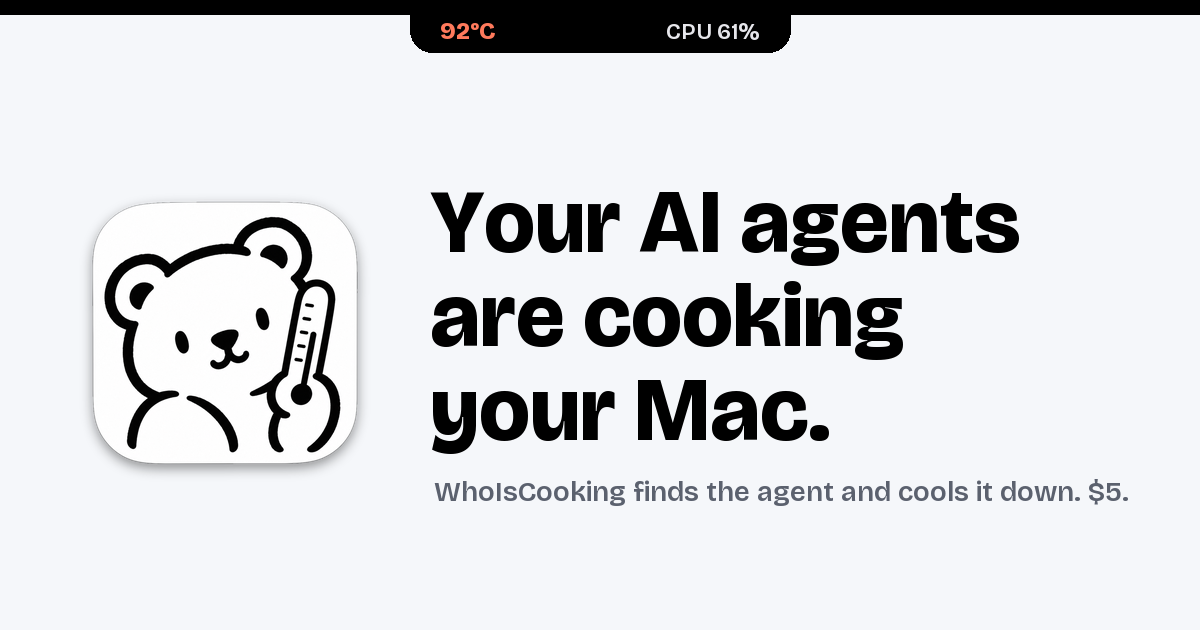
WhoIsCooking is a Mac app that shows the temperature of your chip and tells you which AI agent is heating your Mac. It lives in your notch, or in the menu bar if you prefer, and displays the hottest chip sensor reading next to overall CPU and GPU load. Under that headline it lists the agents and apps that are currently working, each with a CPU percentage and a note about what that agent is doing, such as Claude Code running ffmpeg and python, Codex CLI running a cargo build, Cursor acting as editor and agent, or Chrome with fourteen tabs open. It is made for people who run AI coding agents and other heavy developer work on an Apple Silicon MacBook and want to know at a glance what is cooking the machine.
The problem it addresses is a familiar one for anyone using agentic coding tools: Claude Code, Codex and Cursor start builds, tests and renders that turn a MacBook into a stove. When several agents run at once, the machine gets hot and starts throttling, and it becomes hard to tell which of the many running processes is actually responsible. The usual system view shows dozens of cryptic processes rather than the agent sessions a developer actually thinks in, so people either wait for the heat to pass, kill work they still need, or simply accept a slow and noisy machine. WhoIsCooking closes that gap by naming the agent behind the heat and offering a way to cool the Mac without stopping the work.
The primary readout is a temperature. WhoIsCooking shows the hottest chip sensor, for example 92°C, together with CPU and GPU percentages and a status line indicating that the machine is hot and throttling. This answers the first question most people have when a MacBook gets warm or a fan spins up: how hot is it really, and is it being pushed hard? Because the figure comes from the chip sensors rather than an estimate, it reflects the machine's actual thermal state. From that same view, a single button invites you to cool down your Mac.
Instead of listing processes, WhoIsCooking groups work by agent. An agent session and everything it started, including builds, tests, dev servers and renders, appears as a single line rather than eighty cryptic processes. Each row carries the CPU percentage the agent is consuming, a short description of what it is running, and a cool-down control. The app recognises Claude Code, Codex CLI, Gemini CLI, Cursor, Aider, Copilot CLI, Ollama and LM Studio, and it also covers Xcode builds, ffmpeg, Docker and your browser. That means the list maps onto how a developer actually works: one line per agent rather than a wall of unrelated subprocesses.
Cooling is the core action. One click moves busy work onto the Mac's efficiency cores. The job keeps running, a little slower, and the Mac drops about fourteen degrees; the site illustrates the same render at 64°C before and 50°C after. Because the work is moved between cores rather than suspended, the agent continues to make progress. A Full speed control puts the power back instantly whenever you want the power back, and quitting the app always restores full speed.
WhoIsCooking is explicit that cooling is not killing. Nothing gets frozen or closed unless you ask for it. Your terminal and your apps stay usable the whole time, so a long build or a render can continue while you keep working in the same session. If you do want something gone, quitting a process is an explicit choice rather than a side effect of cooling. This separates it from approaches that pause or terminate workloads in order to reduce temperature.
The app also watches for work that runs away. You get a nudge when an agent burns CPU for five minutes straight, or when it leaves dev servers running after its session ends. Those are the two cases where a machine keeps running hot long after the developer has walked away or moved on to something else, and the nudge points at the specific agent responsible so it can be dealt with.
Underneath, WhoIsCooking reads the chip sensors every twenty seconds and only looks at processes while it is open or while the Mac is hot. Idle, it uses about 0% CPU and 14 MB of memory, so monitoring the temperature does not itself become another source of heat. It sits in the notch or the menu bar, appears on hover, and needs no account or cloud service: the reading and the control are local to your Mac. It runs on Apple Silicon Macs, M1 to M5, on macOS 14 or later. The temperature sensors it reads exist only on Apple Silicon, so on Intel Macs you can see CPU use but not temperature.
The outcome is a cooler, quieter Mac without losing work. According to the site, cooling takes a machine from 64°C to 50°C on the same render, roughly fourteen degrees, while the job continues. Instead of guessing which process to kill, you can see the offending agent, cool it, and keep the session running. The runaway nudges catch the leftovers that would otherwise keep the machine warm, and Full speed returns the power in one click when you need it. All of this is visible from the notch, so checking costs a hover rather than a switch to another app.
Concrete scenarios follow directly from the heat list the app displays. A developer running Claude Code that is executing ffmpeg and python at 184% can see that this single agent is the heat, cool it, and let the render finish on the efficiency cores. Someone running a Codex CLI cargo build at 91% can keep the build going while the Mac drops in temperature. A Cursor session acting as editor and agent at 62%, or a browser with fourteen tabs at 23%, shows up as its own row so the source of load is obvious. Local model users running Ollama or LM Studio, and anyone building with Xcode or running Docker containers, are also recognised in the same list.
WhoIsCooking costs $5 as a one-time purchase with no subscription, and it requires an Apple Silicon Mac on macOS 14 or later. It is signed with an Apple Developer ID and notarized by Apple, so macOS opens it without warnings.
The takeaway is simple: WhoIsCooking answers which AI agent is cooking your Mac, then cools it down without stopping its work, for a one-time $5 price on Apple Silicon hardware.
Publisher
A
admin
Launch Date2026-10-27
Platformdesktop
Pricingpaid