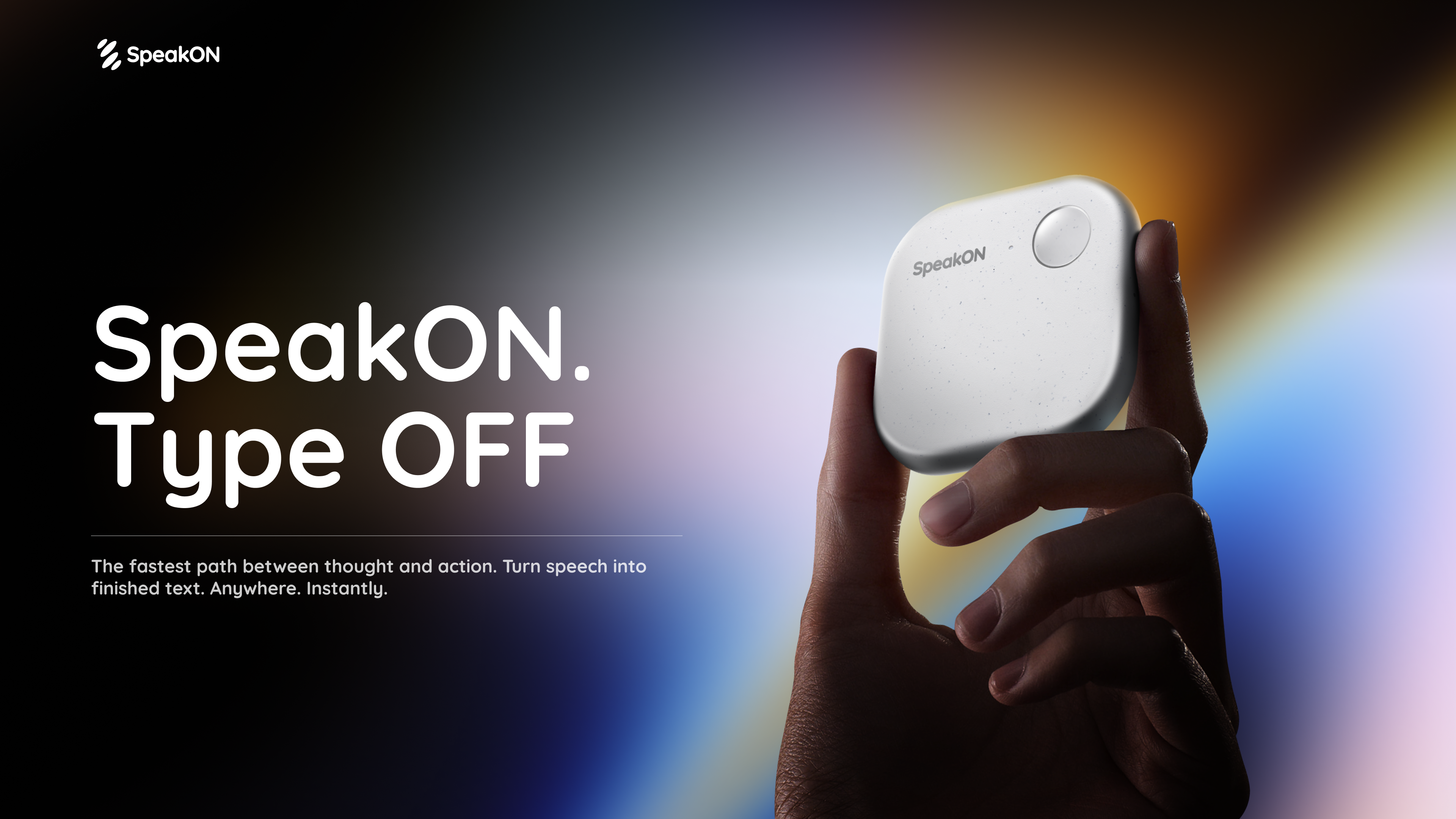
SpeakON Agent is a voice-first AI communicator that turns natural speech into real work. Rather than typing a request into an app, you speak it: the Agent understands your Notes, connects the tools you already use, and prepares Actions for you to review and confirm. The product is described on its page as a voice-first AI communicator built on a simple promise — speak naturally, and the Agent understands your intent, finds the right context, and executes the next steps you approved. SpeakON Agent pairs a SpeakON device that snaps onto your phone with the SpeakON AI Voice Keyboard app for iPhone, and it is aimed at people who want spoken thoughts to become tasks, messages, and reminders instead of staying as unstructured voice memos.
The starting point for SpeakON Agent is the friction of typing. The product page frames the idea as "the last keystroke": the next workflow does not have to start with another keystroke. Creator videos featured on the page repeat the same theme in different words — ideas move faster than fingers, brains have too many tabs open, and repetitive messages get typed over and over. SpeakON's answer is to let people say what they need, review what the Agent prepares, and move it forward. Rather than replacing the tools people already use, the Agent works across the Notes they have written and the apps they have connected, so a single spoken request can become a scheduled meeting, a Slack announcement, an email draft, and a reminder.
Voice input is the front door to the product. With the SpeakON hardware, you press the button, speak, and the device turns your voice into clean, ready-to-send text; creators on the page note that it tidies up messy sentences and changes the tone depending on whether you are writing an email or texting a friend. The SpeakON AI Voice Keyboard for iPhone extends the same voice-first approach to typing anywhere on the phone. Both pieces are described as a "press to speak" experience, and the page's overall message is "zero typing, just talk." For the Agent specifically, voice is how a request is handed over: one natural spoken request can contain several different actions, and the Agent is expected to make sense of all of them at once.
SpeakON Agent starts with your Notes. The Agent turns your current Note into a task and can use relevant details from saved Notes and connected apps. That means the context for a request does not have to be retyped — it can come from the note you are looking at, or from earlier notes you have saved. The page illustrates this with examples: asking the Agent to book a one-hour product review with Devin in Room Berlin tomorrow at 10:30, send him the details on Slack and Gmail, and set a reminder 30 minutes before; or asking it to find customer feedback Notes from the past month and summarize the biggest issues. Notes therefore act as both the instruction and the source material the Agent works from.
Connectors bring in context from the apps you already use. The page lists Gmail, Google Drive, Calendar, Slack, Reminders, Contacts, Notion, Evernote, and Obsidian, and states that more integrations are to come. In the worked example on the page, the Agent checks calendar availability, identifies Conference Room 203, locates Daniel from Marketing in Contacts, and pulls the source Note and product brief. Slack is used for the #productteam announcement, Gmail for the invitation to Daniel, and Reminders for the personal reminder to review the product brief. Because the Agent can reach into these tools, a single spoken request can be prepared across several apps rather than being copied and pasted between them.
One request can contain multiple actions, and the page describes the Agent's flow in six stages. First you Request: speak naturally and give the Agent the full request. It then Understands, identifying the people, timing, and every action inside the request. It Finds Context — calendar availability, the room, Daniel's contact, and the relevant Notes. It Prepares the Task: the event, the Slack announcement, the invitation, and the reminder. You Review the email to Daniel before the Agent sends it. Finally, after you confirm, the Agent Completes the approved actions. The page's example shows four tasks identified from one request: scheduling the product discussion, notifying #productteam, emailing Daniel and adding him to the invite, and creating a reminder to review the product brief.
You decide what happens next. The Agent moves things forward and checks with you when it needs your approval; you can review the details and make changes along the way. Messages stay unsent until approved, and only the actions you approved are completed. The page shows a Gmail draft waiting for review, with a voice edit option and a confirm step, before the meeting is scheduled, the team is notified, Daniel is invited, and the reminder is set. This review layer is central to how SpeakON Agent is positioned: the Agent does the preparation and the legwork, but the person speaking the request keeps control over what actually gets sent or scheduled.
The page's "Agent In Action" section shows concrete scenarios. In "Move a Launch Forward," one request coordinates a launch check-in, invites Maya, posts the agenda in #launch, and sets a reminder to review the rollout checklist. In "Keep a Shipment Moving," the Agent finds the latest update on the Rotterdam shipment, summarizes the delay, drafts a customer email, notifies #operations, and sets a follow-up reminder. "Follow Up After a Showing" turns a property Note into client communication and a second viewing appointment, including a reminder to send the disclosure documents. "Prepare a Renewal Response" finds the latest renewal proposal, compares it with a previous Note, summarizes what changed, and prepares a reply.
SpeakON Agent is presented for iPhone users who handle coordination, communication, and follow-up as part of their day — the scenarios on the page involve product launches, shipping and operations, real estate showings, and sales renewals. The experience runs on iOS through the SpeakON AI Voice Keyboard app, alongside the SpeakON device that snaps onto your phone. The page also references a Creator Challenge in which people follow SpeakON on social media, join its Discord community, and take part for a chance to win a SpeakON device or AI Agent credits. Media logos displayed on the page include USA Today, MakeUseOf, Tech Times, MarkTechPost, Gadget Flow, iLounge, Stuff, and How-To Geek.
Taken together, SpeakON Agent is best understood as a voice-first layer over the work you already do on your phone. You speak a request in plain language; the Agent reads your Notes, gathers context from connected apps such as Calendar, Slack, Gmail, and Reminders, and prepares the resulting actions as drafts for your review. Nothing is sent until you approve it, and you can adjust details with a voice edit before confirming. The value proposition the page repeats is straightforward: less typing, fewer repetitive messages, and a way for ideas and instructions to move from speech to completed work without disappearing along the way.
Publisher
A
admin
Launch Date2026-10-31
Platformmobile
Pricingfree