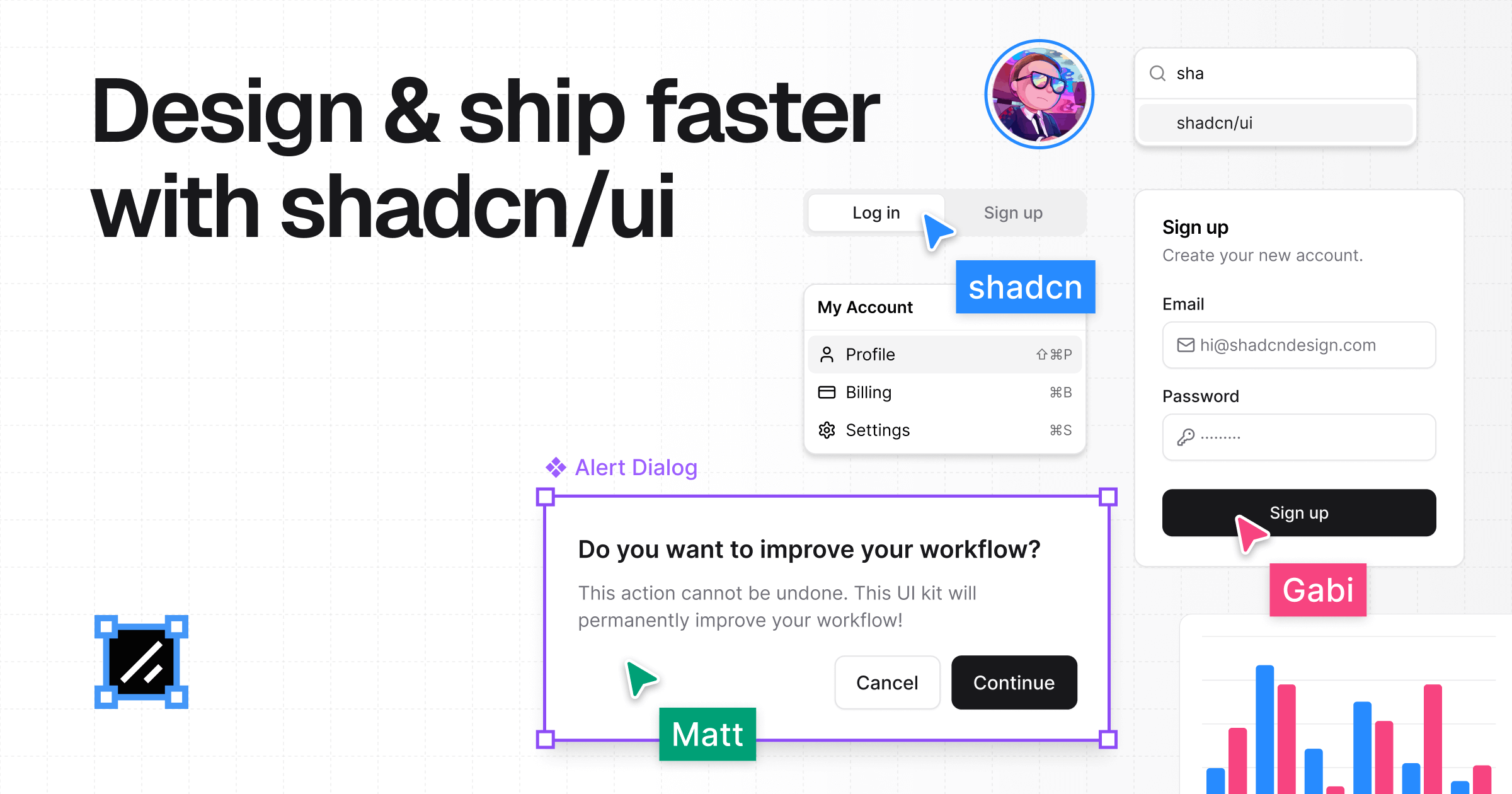
Create a beautiful shadcn/ui theme in a few clicks by picking a color and font, previewing it live, and shipping production-ready CSS.
The shadcn/ui ecosystem is a comprehensive collection of Figma and React resources designed to help designers, developers, and teams deliver shadcn/ui projects with maximum efficiency. It serves as the complete toolkit that bridges the gap between design and development, offering pixel-perfect components, ready-to-use blocks, AI integration capabilities, and educational materials. This ecosystem is specifically built for professionals who utilize the shadcn/ui component library and seek to accelerate their workflow from initial design concepts to production-ready code. Its primary purpose is to eliminate the friction and manual translation typically required when moving designs from Figma into functional React components, ensuring consistency, accuracy, and speed throughout the entire product development lifecycle.
Before this ecosystem existed, professionals faced significant challenges finding quality shadcn/ui resources for Figma. Available options were often outdated, poorly crafted, or completely abandoned, forcing teams to build everything from scratch or deal with mismatched components. This created a major pain point where designers and developers worked in silos, leading to design-to-code mismatches, wasted time on manual implementation, and inconsistent user interfaces. The founder, after seven years of building Figma resources for top teams and maintaining the Ant Design System, identified this exact gap in the market. The problem was the lack of a maintained, high-fidelity design system that perfectly mirrored the shadcn/ui codebase, causing inefficiencies and frustration for creators trying to leverage this popular React library.
The first major feature group is the pixel-perfect Figma kit, which forms the core of the design experience. This kit includes components that perfectly mirror shadcn/ui code, ensuring accurate Tailwind CSS alignment between design and development. Every component is built with auto-layout and variants, and it utilizes Tailwind CSS variables to maintain perfect visual consistency. The kit is described as AI-ready, meaning its structure is optimized for modern AI design and development tools. It also includes essential icons and assets, and it allows for full customization to match any brand's rules and identity. Crucially, the entire system is always kept up to date, so users never have to worry about working with outdated components or styles that no longer match the latest shadcn/ui releases.
The second major feature group is the Pro Blocks system, which provides ready-to-use blocks available as both Figma components and production-ready shadcn/ui code. These blocks cover a wide range of common UI sections, eliminating the need to build layouts from scratch. Categories include Landing Page sections, Application UI elements, and E-commerce components. Specific examples include 404 Sections, Banners, Bento Grids, Blog Sections, CTA Sections, Comparison Sections, Contact Sections, FAQ Sections, Feature Sections, Footers, Gallery Sections, Header Sections, Hero Sections, Pricing Sections, and Testimonials Sections. Each block is designed to be instantly usable, saving significant time in both the design and development phases by providing pre-built, high-quality solutions for standard interface requirements.
Publisher
A
admin
Launch Date2026-02-20
Platformweb
Pricingfree
Domain Authority
Ahrefs DR59/100
Traffic Insights
Month2026-01
Estimated Visits202.3K
MoM Visits Growth+22.3%(+36.9K)
Avg Time on Site21s