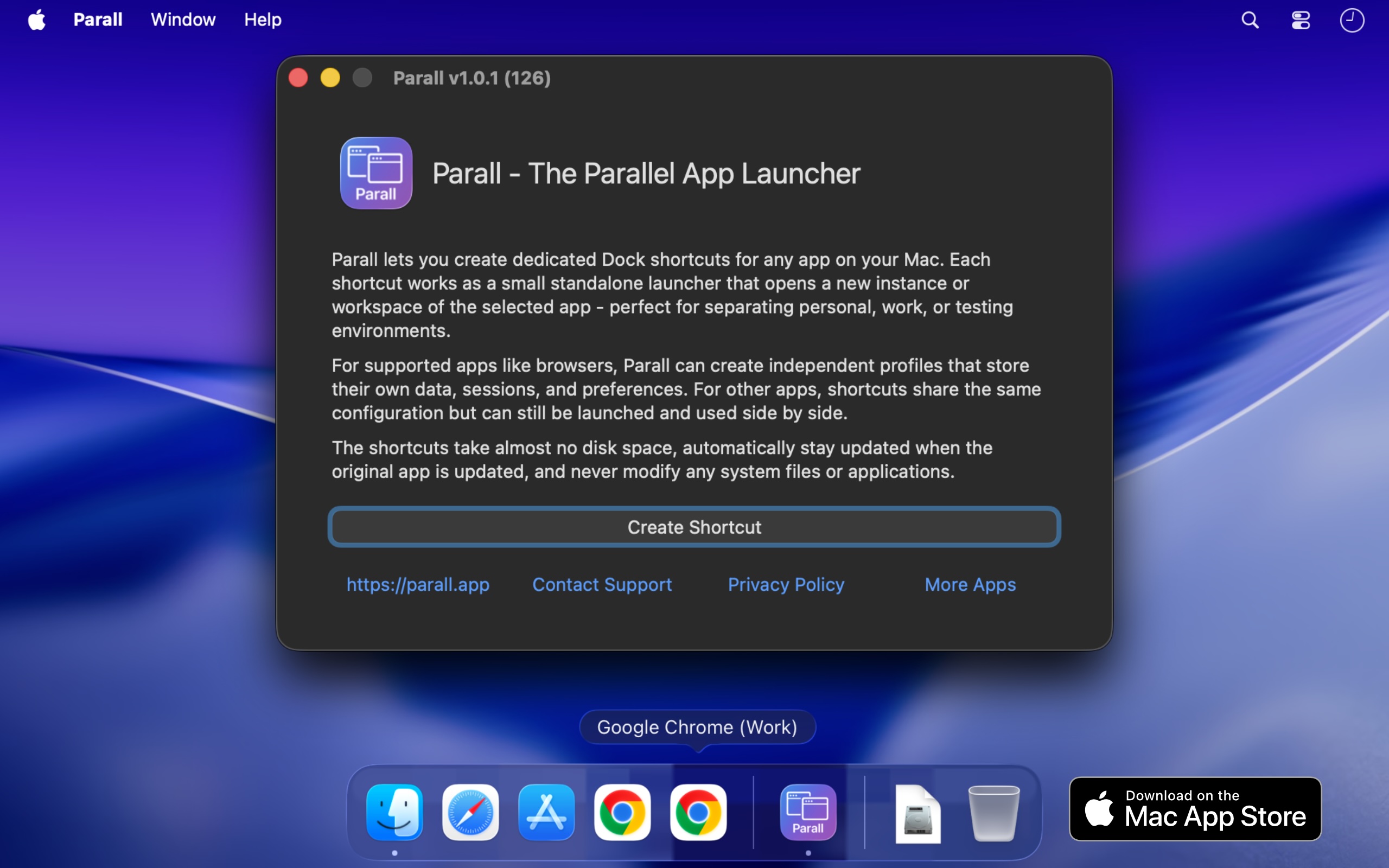
Parall is a native macOS utility that lets you run multiple independent instances of supported apps on the same Mac, each launching with its own name and Dock icon. Where the target app supports it, those instances can also use separate accounts, profiles, data folders, and storage locations. Beyond applications, Parall turns any website URL into a Web App Shortcut and can also create shortcuts that open files, folders, and command-line tools. It is built for Mac users who need genuinely separate workspaces for multiple accounts, browser profiles, client setups, or development environments, without logging in and out or changing how their existing apps work.
The problem Parall addresses is built into how macOS handles running applications. macOS gives a regular app one usable running identity, so launching it again cannot reliably produce a separate instance with its own Dock icon and Spaces behavior. App data is stored wherever the app decides, which means accounts, profiles, and working data often cannot be moved to an external drive, cloud storage, or an easy-to-access folder. To use more than one account, users usually have to log out and log back in every time. Parall exists because there was no easy, polished way for regular users to run truly independent app instances, and it became the first tool of its kind designed specifically to solve that problem without copying or modifying the target app.
Parall's central capability is separate instances with their own identity. You can run multiple supported instances side by side instead of being limited to one, give each instance its own data folder, account set, profile, or storage location, and pin each one with its own name and icon so macOS treats it like a distinct app. Supported families include Electron, Eclipse, Chrome, and Firefox based apps, including sandboxed apps, with named examples such as Slack, Notion, VS Code, Cursor, OBS, Dropbox, and Philips Hue Sync. Parall shortcuts are small macOS launcher app bundles that directly execute the installed target app's binary; they do not contain a copy of the target app, and they are not sandboxed by design because they must launch the original application directly.
Parall also turns websites into native app-like shortcuts. Any URL can become a Web App Shortcut with its own Dock identity, and you can set custom data paths and web app storage paths for those shortcuts. Website shortcuts run on native WebKit, without Electron or a bundled Chrome engine. MS Teams and WhatsApp web apps are supported with notifications, unread badges, and an optional menu bar background mode, and version 2.4.4 enlarged the Web App catalogue, while 2.4.3 added full-screen Web App video support and 2.4.5 added Command-R page reload in web apps. This means a website can behave like an installed Mac app, with storage kept where you choose.
Dock and menu bar control is another major feature group. Parall extracts icons from any app or file so shortcuts can use custom icons, draws labels on top of shortcut icons, and lets you name each shortcut individually. You can apply per-shortcut Dock effects and animations, override appearance with Follow System, Light, or Dark mode regardless of the macOS system setting, and add an optional menu bar icon for any shortcut while the target app is running. Menu bar icon appearance can be customized with scale, grayscale, and template mask options. For supported Chrome-based browsers, Parall controls full screen menu bar behavior, and it offers experimental control of Dock icon visibility.
Advanced launch configuration rounds out the toolkit. You can run command-line tools from the Dock with custom arguments and environment variables, define custom environment variables per shortcut, override HOME for compatible apps with a containerized structure, and adjust advanced Info.plist parameter overrides for each shortcut for experienced users. File and folder shortcuts open in their default app, and Web App Shortcut mode, command shortcut mode, and file and folder shortcuts cover different launching needs.
Parall's engine grew from research rather than a recipe. Its core could not be assembled from public documentation because the app behaviour it depends on is undocumented, so the developer spent years reverse engineering macOS app architecture, testing individual apps, and refining an engine around what actually works. Parall's compatibility profiles come from observing how each target app launches, stores data, handles separate processes, and interacts with the Dock, and the same work makes shortcuts function correctly when opened through Spotlight, Raycast, and Alfred. There are currently 124 compatibility records, and the app is verified and tested through macOS 27 Golden Gate, working from macOS 10.11 onward. Crucially, Parall never edits or freezes the target app, does not use private APIs, and does not inject or patch code, so the original app stays signed and its built-in updater keeps working; after an update, all shortcuts use the new version when restarted, which matters because app updates often patch security vulnerabilities.
Privacy is a deliberate design choice. Parall works locally and offline, has no automatic telemetry, no background daemons, no Electron runtime, and no bundled Chrome engine, and it does not modify your system files or original apps. The result is a native, human-led tool that runs quietly on your Mac without phoning home or altering the software you already use.
The benefits show up clearly in how people describe using it. Reviewers report running work and personal versions of apps side by side, keeping multiple clients signed in at once, giving each Chrome or Vivaldi profile its own Dock icon, and running several Claude desktop or Claude Code instances in parallel without logging in and out. Others use it for separate Cursor IDE logins and extensions for different client accounts, multiple OBS instances with separate data, separate Philips Hue Sync instances for different display setups, and multiple Emacs instances with different command-line arguments, environment variables, icons, and app names. One reviewer notes that setting it up took under a minute and then could be left alone, and another highlights using it on a shared family desktop to give different Chrome profiles their own Dock icons.
Parall is aimed at Mac users who juggle multiple accounts across different apps: developers, freelancers and agencies working with several clients, people separating company and personal accounts, and anyone who wants an alternative to repeated logouts or fast user switching. It is distributed through the Mac App Store with Family Sharing, requires macOS 10.11 through macOS 27 Golden Gate, and includes a published compatibility table plus an option to ask about a specific app before purchasing. One reviewer describes it as the best $9.99 they had spent on an app. Parall is developed by Ihor July, a cybersecurity expert and reverse engineer who also builds DockLock Pro, App Trust Preview, LockLines, and App Archiver.
In short, Parall gives macOS the missing control for running the same app as separate instances with separate data, accounts, and Dock identities, plus a way to turn any website into a Web App Shortcut, all through lightweight shortcuts that leave the original apps signed, updateable, and untouched.
Publisher
A
admin
Launch Date2026-09-25
Platformdesktop
Pricingpaid
Tech Stack
#Native macOS#WebKit