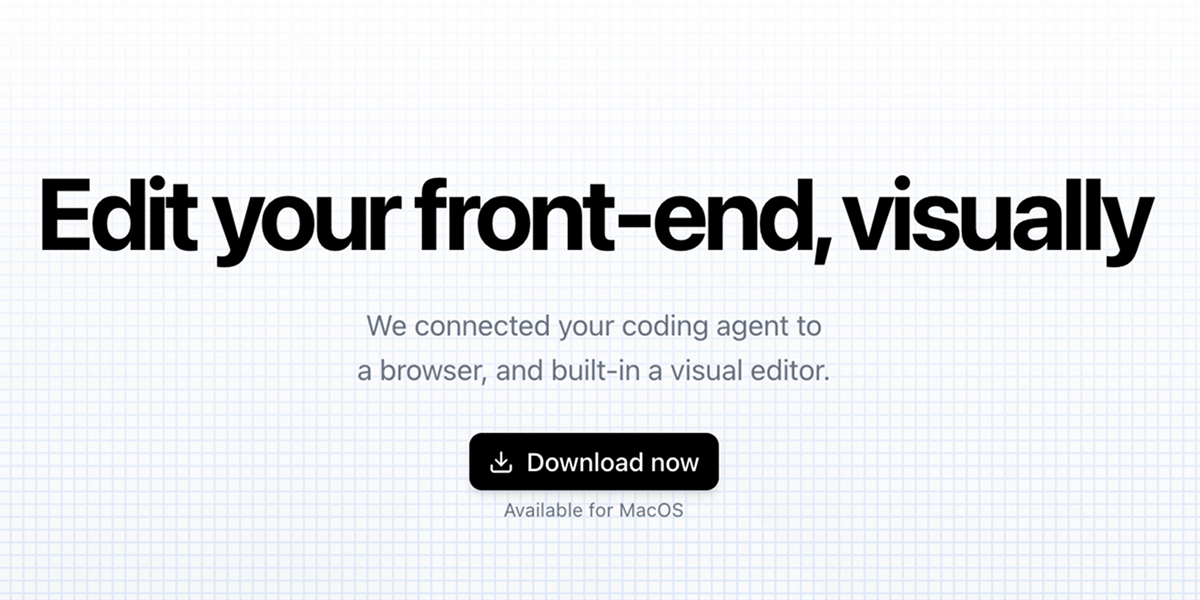
Inspector is a visual front-end editor that connects to AI coding agents like Claude Code, Codex, and Cursor. It allows developers to edit text, move elements, and iterate on React, Next.js, or Vite apps directly within their local codebase.
Inspector serves as a visual layer for your codebase, functioning as a bridge between traditional coding environments and modern AI-assisted development workflows. It is designed for developers and designers who work with front-end frameworks, particularly React, Next.js, or Vite applications, and who utilize AI coding agents to accelerate their development process. The primary purpose of Inspector is to enable visual editing of user interface elements directly within a live application view, translating those visual manipulations into precise code changes that are saved back to the local source files. This eliminates the disconnect between what is seen in the browser and the underlying code, allowing for rapid iteration and experimentation without constantly switching contexts between an IDE and a browser window. By integrating with AI agents, it supercharges the feedback loop, letting developers describe changes or use visual cues to instruct AI to write the corresponding code, thereby merging intuitive design adjustments with robust code generation.
The fundamental problem Inspector addresses is the cumbersome and often slow workflow involved in front-end development, where developers must mentally map visual elements to their corresponding code lines, make edits in a text editor, refresh the browser to see changes, and repeat this cycle endlessly. This context switching is a significant productivity drain and a source of frustration, especially when fine-tuning layouts, spacing, or text content. For teams using AI coding assistants, there's an additional layer of abstraction; describing UI changes textually to an AI can be imprecise and time-consuming. Inspector solves this by providing a direct, visual connection to the codebase, making the UI itself the editing interface. It tackles the pain point of iteration speed, allowing developers to click, drag, and type changes directly onto the rendered page, with the confidence that those changes will be accurately and safely written to the correct files in their project.
One of Inspector's major feature groups is its visual editor for the codebase, which allows users to move any element on the page visually. Users can simply click and drag components, adjust their positioning, and then apply those changes, which are then automatically saved to the underlying codebase. This works by Inspector linking visual elements to their exact line of source code, creating a bidirectional connection between the rendered UI and the code that generates it. When an element is moved, Inspector calculates the necessary CSS or style property adjustments and writes them directly into the component files. This feature matters because it empowers developers with a designer-like tool for layout tweaking without sacrificing code quality or control, enabling pixel-perfect adjustments that are immediately reflected in the source, thereby closing the gap between design intent and implementation.
Publisher
A
admin
Launch Date2026-02-08
Platformdesktop
Pricingfree
Domain Authority
Ahrefs DR31/100
Traffic Insights
Month2026-01
Estimated Visits7.5K
MoM Visits Growth-37.8%(-4.6K)
Avg Time on Site1m 11s