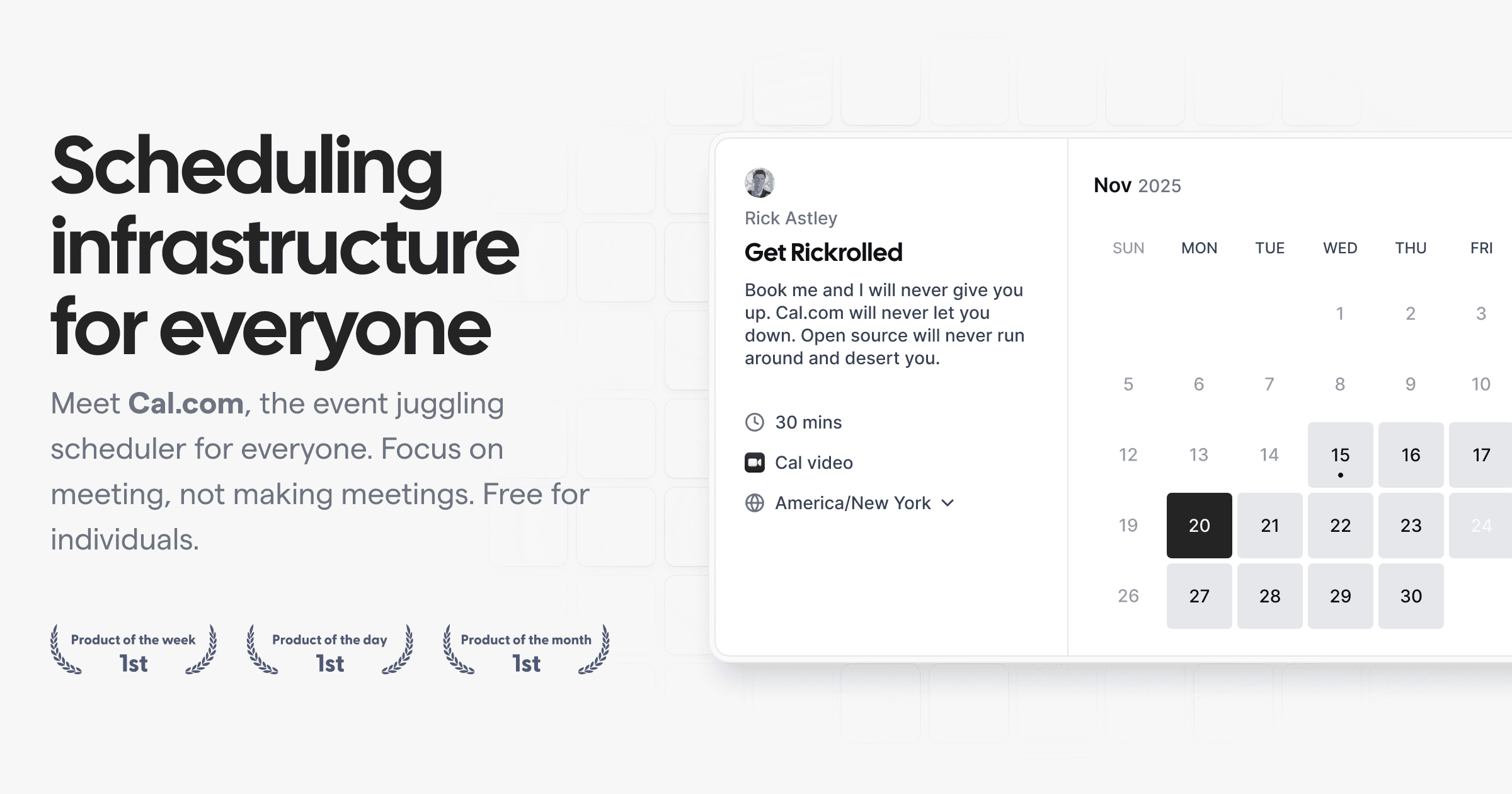
Cal.com Companion provides native mobile apps and browser extensions for scheduling across all your devices. It allows you to manage your calendar seamlessly on mobile, desktop, or browser.
Cal.com Companion is a suite of native mobile applications and browser extensions designed to extend the core Cal.com scheduling platform to every device and environment where users work. It is built for individuals, teams, and organizations who rely on efficient scheduling as part of their daily workflow, providing quick and reliable access to manage meetings, availability, and bookings directly from a smartphone, desktop, or web browser. The primary purpose is to serve as a ubiquitous scheduling companion that ensures users can find and manage time wherever they go.
Traditional scheduling often ties users to a single platform or device, creating friction when trying to check availability, book meetings, or manage calendars on the go. This fragmentation leads to missed opportunities, scheduling conflicts, and reduced productivity. Cal.com Companion solves this by bringing the full power of a sophisticated scheduling tool directly into the user's pocket and browser, eliminating the need to switch between apps or devices to handle calendar management. It addresses the modern need for seamless, cross-platform accessibility in a world where work happens everywhere.
A key feature is comprehensive cross-platform availability. The Companion is offered as a mobile app for iOS and Android, a desktop app for macOS, Windows, and Linux, and browser extensions for Chrome, Safari, Microsoft Edge, and Firefox. This ensures users can access their scheduling tools on any device they use, maintaining a consistent experience. The apps and extensions stay in real-time sync with the user's Cal.com account, so availability, bookings, and preferences are always up-to-date regardless of the access point.
The product enables seamless calendar synchronization and organization. It allows users to sync external calendars like Google Calendar and Outlook directly with Cal.com to prevent double-booking and keep all appointments in one organized view. This centralized management, accessible from any Companion app, provides a single source of truth for a user's schedule, reducing the cognitive load of managing multiple calendar accounts across different platforms.
Cal.com Companion supports powerful scheduling customization and automation. Users can personalize alerts, time zones, and meeting settings to fit their specific needs. The platform allows for the generation of custom, tailored scheduling links for different types of meetings or events. Furthermore, it includes workflow automation for reminders, follow-ups, and cancellations, saving significant administrative time and streamlining the entire booking process.
Publisher
A
admin
Launch Date2026-01-15
Platformweb
Pricingfree
Domain Authority
Ahrefs DR92/100
Traffic Insights
Month2026-01
Estimated Visits3.1M
MoM Visits Growth+26.8%(+646.3K)
Avg Time on Site2m 55s