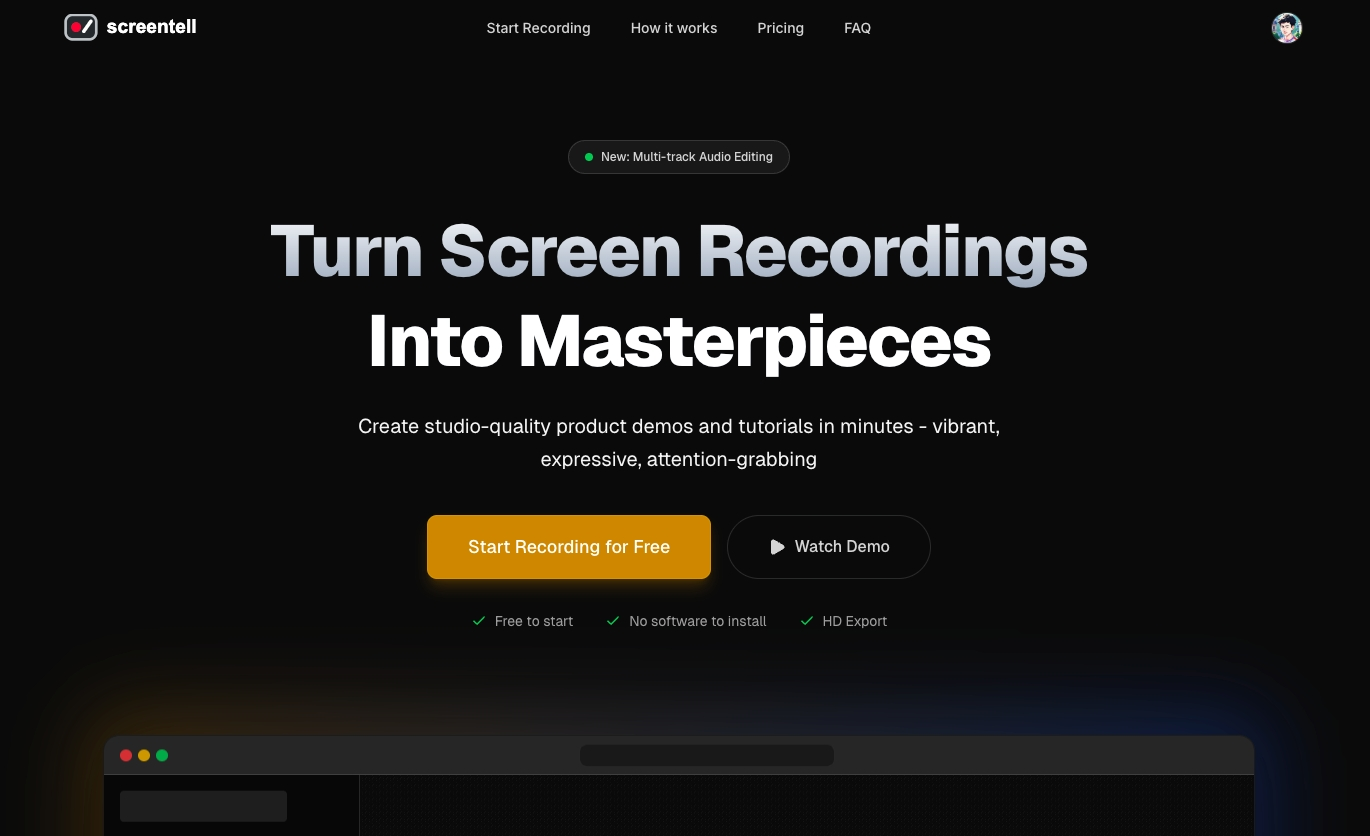
Screentell is a screen recorder and video editor for creating product demos and tutorials. Turn plain screen recordings into studio-quality videos.
Screentell is a powerful, browser-based screen recording and video editing tool designed specifically for creators, educators, and professionals who need to produce high-quality product demos and tutorials. Its core value lies in turning ordinary screen captures into engaging, cinematic videos entirely within a web browser, eliminating the need for complex desktop software. The platform combines recording, advanced editing, and export capabilities into a seamless workflow, making professional video creation accessible and efficient. By leveraging modern Web APIs, Screentell delivers a robust creative suite that operates locally on your device, ensuring both performance and privacy while enabling users to craft visually compelling content from idea to export in minutes.
The tool directly addresses the common pain points of creating professional screen recordings, which often require multiple software applications, steep learning curves, and concerns about data privacy. Users frequently struggle with flat, unengaging demos that fail to capture audience attention or clearly guide viewers through complex interfaces. Screentell solves this by providing an all-in-one solution that simplifies the entire process, from capturing screen and camera simultaneously to applying sophisticated post-production effects. This matters because it empowers individuals and teams to produce polished, effective communication materials quickly, enhancing tutorials, software demonstrations, and online content without the traditional barriers of cost, complexity, or technical expertise.
One of Screentell's standout feature groups is its Motion & Focus capabilities, which include both 2D and 3D cinematic transforms. The platform's 'secret sauce' is its ability to create smooth, professional camera movements that guide the viewer's eye through the recording. This includes Focus Zoom for precise 2D zooms and pans, and Cinematic 3D Effects that allow control over perspective, rotation, and motion to add depth and immersion. These features work by applying dynamic transformations to the video layer, enabling creators to break the flat screen and create memorable, engaging demos that highlight key areas dynamically, making static screen recordings feel like animated, professional productions.
Another major feature group is the suite of Stickers & Annotations, which provides highly flexible and expressive visual communication tools. Users can enhance videos with customizable arrows, bubbles, shapes, and hand-drawn style text and lines, offering full control over colors, borders, and roundness. The system also allows uploading custom images as stickers, enabling brand elements or specific icons to be overlaid directly onto the video. This functionality works by treating annotations as separate, manipulable layers within the multi-track editor, allowing creators to point out important details, add explanatory notes, and maintain visual consistency throughout their tutorials, thereby improving clarity and viewer comprehension.
Publisher
A
admin
Launch Date2026-01-26
Platformweb
Pricingfreemium
Tech Stack
#Web APIs#Three.js
Domain Authority
Ahrefs DR48/100
Traffic Insights
Month2026-01
Estimated Visits0
MoM Visits GrowthN/A(+0)
Avg Time on Site0s