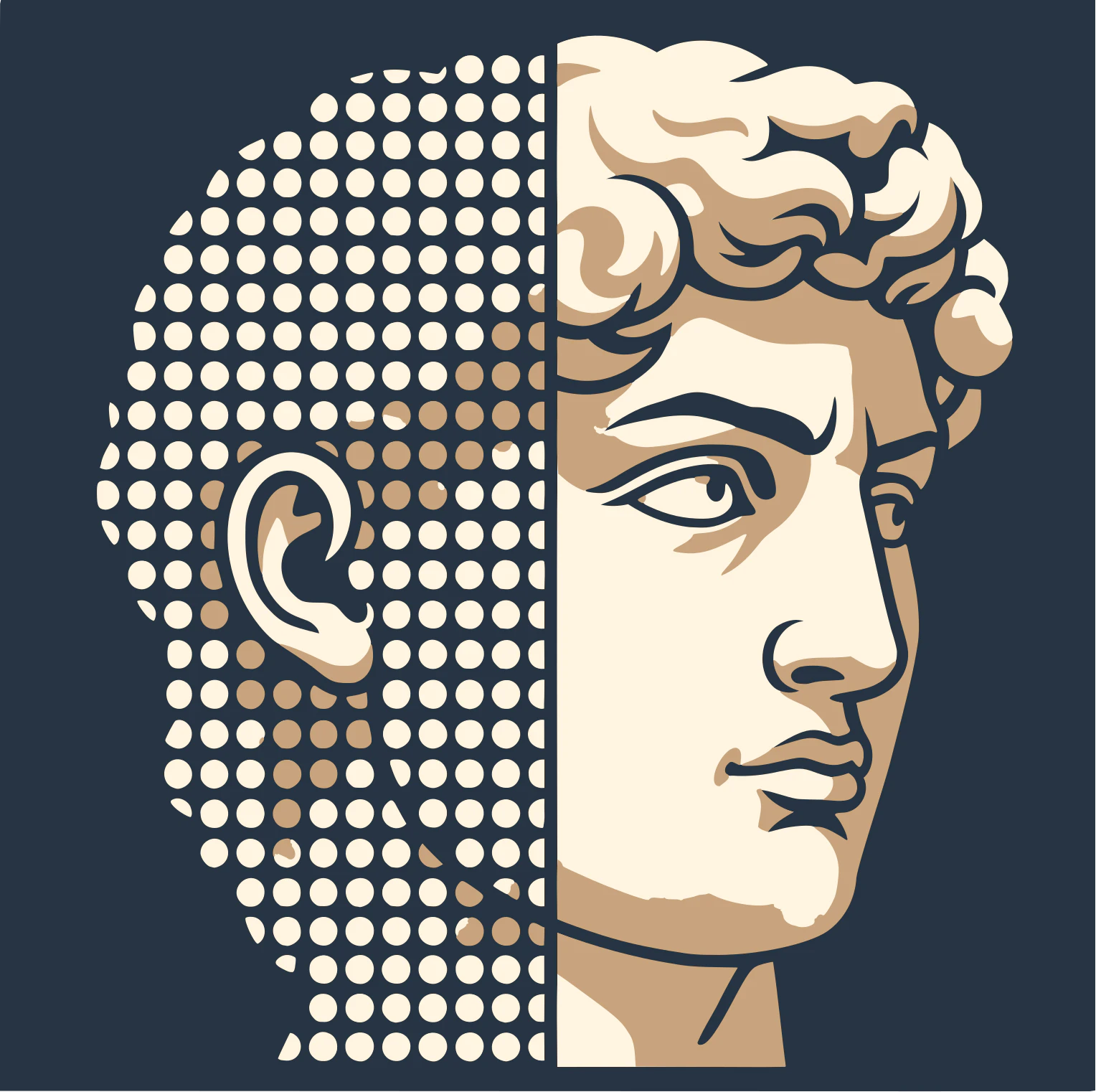
RadianceKit is a native Mac application that brings 3D Gaussian splatting to Apple Silicon users. It transforms ordinary photos and videos into photorealistic 3D scenes directly on your Mac, leveraging the power of Metal GPU compute. Designed for 3D artists, photographers, and scanning professionals, it offers a complete local workflow without the need for cloud services or complex Python setups. Its core value lies in delivering fast, high-quality 3D reconstructions entirely on-device. This app redefines what is possible on a personal computer by running the entire Gaussian splatting pipeline natively, from importing media to exporting finished models. With support for M1 through M4 chips, RadianceKit makes photorealistic 3D capture as simple as taking a photo.
Traditional 3D reconstruction methods often rely on cloud services, expensive hardware, or complex manual alignment. RadianceKit solves this problem by performing all computations locally on the Mac's Apple Silicon GPU. Users no longer need to upload sensitive data to remote servers or wait for slow internet transfers. This is especially important for professionals dealing with confidential objects or environments. The app also removes the barrier of technical expertise; there is no need to configure Python environments or manage command-line tools. By handling everything within a single application, RadianceKit makes 3D scanning accessible to anyone with a compatible Mac.
The first major feature group is Native GPU Training on Apple Silicon. RadianceKit harnesses the Metal API to run Gaussian splatting algorithms directly on M1, M2, M3, and M4 chips. This eliminates the requirement for cloud GPUs or external accelerators. Training a new scene from a set of photos typically takes a few minutes, depending on complexity. The process generates millions of tiny 3D ellipsoids that collectively represent the photographed object or environment. Since all calculations happen on the local GPU, data never leaves the device, ensuring privacy. This feature is central to the app's promise of fast, secure, and high-quality 3D reconstruction.
Simple and Expert Mode constitute the second major feature group. Simple Mode provides a streamlined experience for beginners: import photos or video, press Start, and the app automatically processes the media into a 3D scene. Expert Mode offers advanced users full control with a three-panel layout. This includes a project navigator for managing files, an interactive 3D viewport for inspecting the reconstruction, and an inspector panel for adjusting training parameters, monitoring live loss curves, and configuring export options. This dual-mode design ensures that RadianceKit is approachable for newcomers while giving professionals the depth they need for precise work. Users can switch between modes as their skills develop or project demands change.
admin
The Interactive Gaussian Editor and extensive export options form the third major feature group. With the editor, users can select and delete unwanted regions directly within the 3D viewport using a brush tool. This helps remove floating artifacts or stray splats that reduce visual quality. The editor supports undo for non-destructive experimentation. For output, RadianceKit supports six native formats: PLY, Compressed PLY, SPZ, glTF, .splat, and SOG. Additionally, users can generate orbit videos or self-contained interactive web viewers that require no extra software to share. This flexibility allows exported scenes to be integrated into game engines, 3D modeling software, or shared online, making RadianceKit a versatile tool for content creators.
The overall workflow of RadianceKit is divided into five clear steps: Import, Align, Train, Preview, and Export. First, users drop photos or a video into the app. Next, the Apple Photogrammetry engine computes camera positions automatically, creating a sparse point cloud. Then, Gaussian splatting training begins, generating millions of colored ellipsoids that capture fine detail and lighting. During preview, users can explore the reconstruction from any angle in real time with no precomputed mesh. Finally, the scene can be exported in the desired format or shared as a web viewer. This end-to-end process is contained entirely within the app, requiring no external tools or manual intervention. Every step is optimized for Apple Silicon, ensuring smooth performance even with large datasets.
Concrete use cases for RadianceKit span multiple industries. A product photographer can capture a flower bouquet and within minutes generate a photorealistic 3D model for an e-commerce listing. A museum conservationist can digitize a sculpture like Michelangelo's David to create an interactive virtual exhibit. An architect can scan a room to produce a accurate digital twin for renovation planning. Game developers can capture real-world objects and environments to use as assets in their projects. In each scenario, the outcome is a high-quality, ready-to-share 3D scene that preserves the visual fidelity of the original subject. RadianceKit significantly reduces the time and skill required to produce such results compared to traditional photogrammetry or NeRF-based cloud tools.
RadianceKit is designed for Apple Silicon Macs running macOS 26 Tahoe or later, with 16 GB of RAM recommended for larger scenes. It is available as a free download with a 3-day trial of all features. After the trial, users can unlock the full version with a one-time in-app purchase, with no recurring subscription fees. The tech stack is entirely native, utilizing Metal for GPU compute and Apple's Photogrammetry framework for alignment. Target users include 3D artists, photographers, game developers, architects, cultural heritage professionals, and anyone needing on-device 3D reconstruction. In summary, RadianceKit brings the power of 3D Gaussian splatting to the Mac in a private, fast, and user-friendly package. It eliminates the need for cloud services, Python environments, or multiple tools, making photorealistic 3D capture accessible to all Mac users.
RadianceKit is tailored for 3D artists, photographers, game developers, architects, and cultural heritage professionals who need on-device photorealistic 3D reconstruction. It is also suitable for Mac power users who prefer local processing over cloud services. Educators and researchers in computer graphics and computer vision will find it accessible for demonstrating 3D Gaussian splatting concepts. The app's simple mode lowers the barrier for hobbyists and content creators seeking quick 3D captures, while expert mode satisfies the demands of scanning technicians and digital preservationists. No Python or command-line knowledge is required, making it ideal for professionals who want a tool that works out of the box on their Apple Silicon Mac.