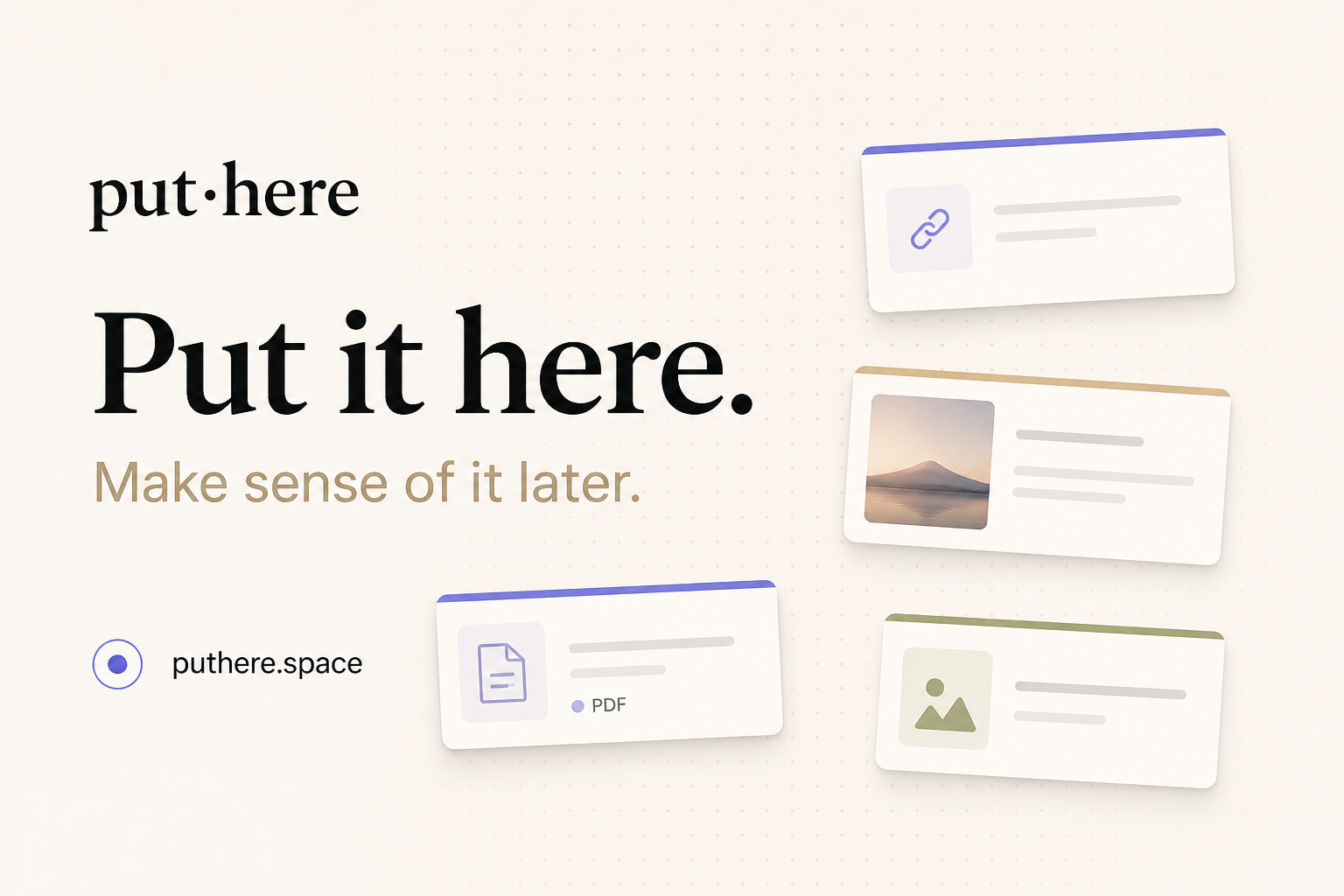
put·here is a local-first spatial workbench for macOS, described by its maker as a place to put things down and make sense of them later. It is aimed at anyone whose thinking does not arrive pre-sorted: instead of demanding a title, a folder, or a tag the moment something is saved, it offers a canvas where text, links, pictures, and files land wherever you drop them. Capture happens by pasting, dragging, or pressing ⌃⌥P from any app, and stepping back lets the whole canvas read at a glance. The product frames its purpose in three moves — collect, connect, and try — gathering links, notes, images, and files, connecting your thinking, and optionally letting AI research the next question with sources.
Most note apps want an answer the moment you save something: a title, a folder, a tag. The maker's own story describes the alternative that most people actually live with — thoughts going wherever was closest, such as a chat file-transfer tool, the desktop, or a temporary note, until weeks later everything still existed only in theory. The deeper problem put·here targets is that a question can be scattered across twelve tabs, a few notes, and a screenshot, and that ideas show up before they have a shape. Rather than forcing structure prematurely, put·here keeps scattered material in one space with positions, groups, and drawn connections, so the thread between things is preserved until it is needed. It also matters that this happens locally: the app is local first, needs no account, and does not require you to know where anything belongs.
Capture in put·here is deliberately undemanding. Text, links, pictures, and files can be pasted, dragged in, or sent from any app with the ⌃⌥P keyboard shortcut. Cards sit on an open canvas rather than in a list, and every canvas remembers its position and zoom, so a workspace looks the same when you return to it. Because items stay where they were dropped, spatial arrangement itself becomes a memory aid — the maker notes that letting positions leave a clue is part of the point. Working cards have tabs, and the writing page uses block editing, so a card can hold more developed material once a thought starts taking shape. Tidying exists too, but it is always your choice: you decide when to tidy the canvas, and the change is undoable. Tidying is labelled Beta and described as more accurate in the current release.
The second half of the premise is connection. put·here keeps not just what you found but the thread between things: positions, groups, and the connections you draw yourself. Connections are drawn by you, and relationship labels are optional, which keeps the graph honest to what you actually intended rather than what an algorithm guessed. AI can help with grouping, but only under your control: you start AI grouping, you can undo it, and the groups you made yourself are kept. This matters because the value of a research pile rarely comes from any single item — it comes from the relationship between a question, a PDF chapter, a reading link, and a half-formed idea. Making those relationships explicit, and visible on a canvas, is what lets a scattered question be picked up again later.
AI in put·here is optional and framed as research rather than autocomplete. You right-click a question card and choose "Hand it to AI". The AI then reads your material, researches the web, and brings findings back with their sources, in a workspace of its own — the copy is explicit that AI works in its space while you stay in charge of yours. The flow is shown as three steps: question, research, evidence. An example workspace asks "Can I see an eigenvector?", tells the AI to use saved linear algebra notes to find a visual explanation while keeping the sources, and lists the starting material as a chapter from a linear algebra PDF. Crucially, AI does not change your main canvas on its own; it creates source and finding cards in a separate workspace, leaving your own arrangement intact. Built-in put·here AI includes a monthly free allowance shown in Settings, and you can alternatively bring your own API key or run a local model.
Storage is where put·here diverges most from typical note apps. Every canvas maps to a real Finder folder. Notes are plain Markdown, and images and files keep their original formats, so nothing is locked in a proprietary database. Even if put·here is removed, what was saved stays yours — a claim the product states directly. Housekeeping also respects the filesystem: deleted items go to Recently Deleted and then to Finder Trash. Because canvases are folders, the same files can be viewed through Finder as an ordinary directory (an example shows still-thinking.md, linear-algebra.pdf, and reading-trail.webloc) or through the canvas as a spatial arrangement. It is described as the same files, a different way to see them. Each canvas additionally remembers its own position and zoom, so layout is part of the workspace rather than something rebuilt each time.
The overall approach is spatial and local-first rather than hierarchical. Instead of a filing tree that must be decided upfront, put·here treats placement as a lightweight form of meaning: drop something where it feels right, and let the canvas carry the context until the shape of the idea becomes clear. Capture is frictionless and multi-source; organization is deferred; connections are user-drawn; research is handed off, on request, to an AI that returns sourced findings in a separate area. Everything rests on ordinary files on the Mac. The privacy model follows from that: AI sends only the text its feature needs, built-in AI relays it through the company's server, your own key connects directly to your provider, and a local model processes everything on your Mac. Built-in AI uses an anonymous device ID to count the free allowance, and the app includes no behavioral analytics. Publishing, phone capture, previews, and update checks have their own separate data flows described in the privacy policy.
Practically, the benefit is that you can save something without first deciding what it is. Thoughts arrive before they have a shape, and put·here accommodates that instead of fighting it. Keeping a question in one place — with its tabs, notes, and screenshots together — means it can be resumed rather than reconstructed. Connections you draw yourself preserve the reasoning behind a pile of material. AI research that returns sources lets findings be checked rather than taken on trust. And because everything is stored as real files in real folders, your notes stay yours: notes as plain Markdown, images and files in their original formats, and no account required to get started. Updates download in the background and install when you quit, a behaviour introduced from version 0.12.0 and switchable in Settings.
put·here names three broad situations on its own site: exploring a product direction, researching an open question, and learning a difficult concept. A product direction is a typical example — ideas, competitor links, and reference screenshots can be spread across a canvas while the shape of the thing is still unclear. Researching an open question suits the AI flow, where a question card is handed to AI together with your saved material, and findings come back as sourced cards in a separate workspace; the site's worked example uses linear algebra notes to answer "Can I see an eigenvector?" Learning a difficult concept is supported by collecting a PDF chapter, a weekend reading link, and a note of the question itself — the sample canvas includes a note titled "Why don't eigenvectors turn?", an idea described as still taking shape, a PDF of Linear Algebra Chapter 2, and a reading item about learning, memory, and drawing things out. Sharing is possible through an export share bundle; hosted publishing to a link requires an invitation code and is not part of the standard download experience.
put·here is a Mac app — version 0.13.2, requiring macOS 14 or later, running on both Intel and Apple silicon, a 19 MB download notarized by Apple. That makes it suited to Mac users who keep research material, design references, reading notes, or unresolved questions, and who prefer local storage over a hosted account. There is no account and no subscription required for the current release: 0.13.2 is free to download with no account, and AI is optional. Built-in put·here AI carries a free monthly allowance shown in Settings; alternatively you can supply your own API key, where your provider may charge for usage, or use a local model. The site links to a manual covering the AI, disk storage, and privacy, plus a full privacy policy. There is no stated third-party integration list beyond that, and phone capture is mentioned only as having its own data flow.
put·here's value proposition is captured in its own line: put it here, make sense of it later. It gives Mac users a spatial, local-first place to collect notes, links, images, and files without deciding where they belong, to connect ideas manually, and to run sourced AI research when a question needs answering. Because every canvas is a real folder of plain files on your Mac, the workspace stays yours — free to start, no account, and no need to know where it belongs.
Publisher
A
admin
Launch Date2026-10-11
Platformdesktop
Pricingfree