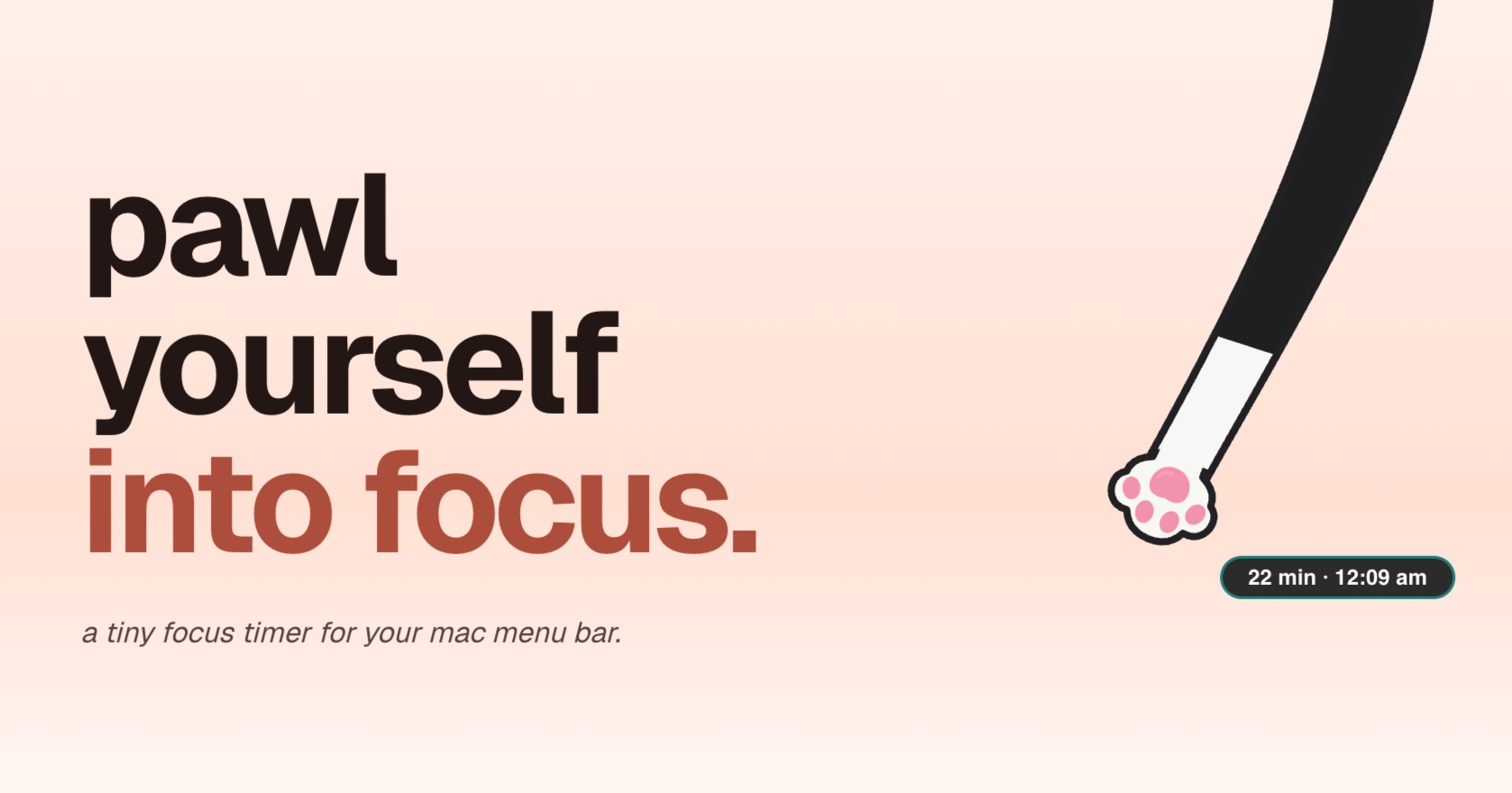
pawl is a tiny focus companion that lives in the Mac menu bar. Rather than opening another app window and configuring a session, you start a focus timer by pulling on a cat paw. The paw sits in your menu bar and shows how much time is left at a glance, and you can change your focus time, break time, and focus interval by pulling on it. pawl is built for macOS 14 or newer, and the current direct Mac build is only around 7 MB. It is made for anyone who wants a timer that is always nearby without another window getting in the way, and its stated goal is to make starting smaller, turning "i should get to work" into a running timer.
The idea behind pawl is stated plainly on its site: sometimes the smallest thing standing between you and starting is one little paw. Starting a focus session is often the hardest part. Conventional timers ask you to open a window, pick a duration, and press start, which adds friction to a moment that already requires willpower. pawl reduces that down to a single gesture. It also addresses the other end of a session: a break can sneak up on you if nothing tells you that focus time is almost done, so pawl provides a quiet heads-up shortly before your focus time ends. And because it lives in the menu bar rather than in its own window, checking how much time is left does not mean switching away from what you are working on.
The core interaction is pulling. One little gesture turns an intention into a running timer, and the same gesture is used to configure the session: you can change your focus time, break time, and focus interval by just pulling on the paw. That means you are not locked into a single fixed setup. pawl can work like a pomodoro timer, but the site is explicit that you are not stuck with one specific configuration, so you can adjust the three values to fit the way you like to work. Alongside pulling, there is also a start button available on the clock layout, so a session can be started by clicking as well as by dragging.
pawl is designed to live in your Mac menu bar, so your timer is always nearby without another app window getting in the way, and the remaining time is visible at a glance. If you would rather keep it more prominent, you can detach it by clicking the pin icon and keep it pinned as a mini timer. The product also gives you a quiet, configurable heads-up shortly before your focus time ends and playtime is close, so the transition into a break does not arrive unannounced. A reviewer specifically called out that heads-up as a thoughtful accessibility detail that most focus timers do not consider.
pawl is built around making your focus companion yours. It comes with eight lovable paws to start: tuxedo, orange tabby, calico, gray tabby, brown tabby, tortoiseshell, siamese, and black & white. You are not permanently stuck with the paw you picked first, so you can switch between the available paws whenever you like. Themes let you set the mood for your focus time and switch whenever you feel like a change of scenery; the site shows the timer in a dark theme as one example. More paws and other variants are planned for the future, including dogs, which the team notes is one of its most asked-about pets.
Using pawl follows a short loop. You pull the paw, or click start on the clock layout, to begin a focus session, and then the paw shows the remaining time in the menu bar so you can check it at a glance. Shortly before focus time ends, pawl gives you a quiet heads-up that break time is close. When the focus session finishes, you take your break, and the interval you configured governs how the cycle repeats. Because focus time, break time, and interval are all adjustable through pulling, the same mechanism that starts a session also shapes it, which keeps configuration inside the gesture instead of inside a separate settings screen.
The outcomes the product promises are modest and practical: a lower barrier to starting, a timer that stays out of the way, and a break that does not arrive as a surprise. Reviewers describe the effect in their own words. One software engineer called it a "10/10 productivity booster" that is "very cute" and "very feline," while another user wrote that it is so cute they forgot they were working. A student said managing time has never been more fun and engaging and compared it to having your own pet living in your laptop. A reviewer with ADHD said it makes focusing so much more fun and easy to use, and a deaf reviewer highlighted the pre-break heads-up as an accessibility feature most focus timers overlook. One user even reported using it mostly outside of the timer, dragging the paw when missing their cat.
Concrete scenarios follow directly from those details. For pomodoro-style work, you set focus time, break time, and interval by pulling, then cycle through sessions and breaks without leaving the menu bar. For study blocks, the same loop applies, and students can claim a 50% discount with a verified student email. For people who find starting difficult, the single pull gesture plus a cute companion removes the setup step. For anyone working in another app, the menu bar placement means the remaining time is always a glance away, and the pin icon detaches it into a mini timer when you want it more visible. And for anyone who would rather not be ambushed by the end of a session, the configurable heads-up warns you before focus time runs out.
pawl is currently a Mac-only app that requires macOS 14 or newer; the site states that Windows, iPhone, and iPad are not supported right now, though future support is on the roadmap. It costs $9.99 USD once, with no subscription, and is available through a direct checkout and the Mac App Store. Students save 50%, bringing the price to $4.99 USD when verified with a student email. Owners download the latest build from the download page, follow a releases page for version updates and fixes, and can watch a roadmap for what is being worked on or considered. Bugs and questions go to hey@pawl.cat, and a waitlist is available for launch updates.
The takeaway is that pawl turns a focus timer into a small, playful companion rather than another window to manage: pull a paw, watch the time at a glance, get a gentle warning before the break, and keep it forever for a one-time price.
Publisher
A
admin
Launch Date2026-10-26
Platformdesktop
Pricingpaid