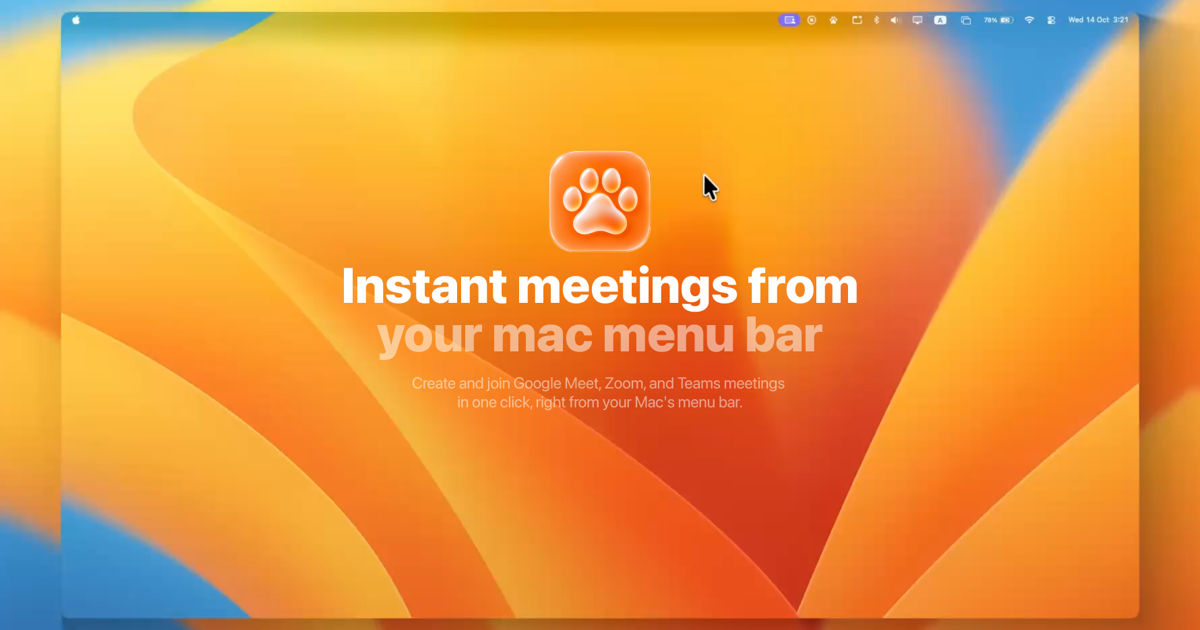
MeetPaw is a lightweight macOS menu-bar app that puts meetings one click away. It is built for people who use Google Meet, Zoom, or Microsoft Teams and want to create or join a meeting without opening a browser tab, searching through provider pages, or switching windows. From the menu bar, MeetPaw can start an instant meeting, copy the meeting link to the clipboard, and launch the meeting. It also provides a single place to see upcoming meetings, schedule new ones, manage connected accounts, and use system-wide keyboard shortcuts. MeetPaw does not require a MeetPaw account; users sign in to their own Google, Zoom, or Microsoft accounts directly.
The product addresses a common source of friction in everyday meeting workflows. Creating a meeting link usually means opening a browser, navigating to a provider, starting a meeting, finding the link, copying it, and then sharing it. MeetPaw is described as removing tabs, digging, and friction from that process. Its purpose is to make the link available immediately, before the user has switched windows. The app is intended for moments when a meeting link is needed quickly and for routine meeting management from the Mac menu bar.
Instant meeting creation is the core of MeetPaw. A single click on the menu-bar paw starts an instant meeting with the default provider and copies the link. MeetPaw opens a meeting on the chosen provider, copies the link to the clipboard, and launches it. This works with Google Meet, Zoom, and Microsoft Teams, so the same menu-bar interaction can produce a link for any of the three supported providers. Because the link copies itself, it is ready to paste anywhere. The app also shows a quick paw-walk while it is working, giving a visual indication that the action is in progress. The result is a meeting link in hand with one click.
MeetPaw also brings multiple meeting accounts into one list. Users can add up to five Google, Zoom, and Microsoft Teams accounts per provider, according to the FAQ. MeetPaw blends those accounts into a single timeline sorted by time and can filter down to any one account when the user needs to focus. The upcoming meetings list allows the user to join the next call with one click. A heads-up appears 15 minutes before a meeting starts. Entries can be managed directly from the menu bar: swipe to remove and right-click to edit. This account and timeline design is aimed at users who move between several meeting identities and do not want to check each provider separately.
Scheduling is handled from the menu bar without opening a browser. The user sets a title, date, time, and guests in one native sheet, picks Google Meet, Zoom, or Teams, and MeetPaw books the event with a ready-to-join link already attached. A live conflict check runs across every connected calendar, so scheduling can account for existing commitments. If plans change, the user can edit or delete the meeting with a swipe, right from the menu bar. This combines event details, provider selection, link creation, and conflict checking in one native workflow.
MeetPaw is designed for keyboard-first use. Meet, Zoom, and Teams each get their own hotkey, and the shortcuts work system-wide even when MeetPaw is not focused. The FAQ lists ⌘⇧M for Google Meet, ⌘⇧Z for Zoom, and ⌘⇧T for Teams. One shortcut opens a meeting with the provider the user wants from an editor, a browser, or anywhere else. The app can also be set to launch at login so it is running without the user needing to remember it. The menu-bar paw supports different interactions: a single click, one-finger tap starts an instant meeting with the default provider and copies the link, while a right-click, two-finger tap, or Control-click opens the drawer with upcoming meetings, scheduling, accounts, and settings.
Privacy is a central part of MeetPaw's design. Everything stays on the Mac. Account tokens live in the macOS Keychain and never leave the device. MeetPaw talks straight to Google, Zoom, and Microsoft, and to no one else. There are no analytics, no ads, and no servers in between. Users do not need to create a MeetPaw account; they sign in to their own Google, Zoom, or Microsoft accounts directly. The content also notes that MeetPaw is not notarized yet, so macOS Gatekeeper shows a warning on first launch. The documented workaround is to right-click the app and choose Open, or to go to System Settings, Privacy and Security, and choose Open Anyway. This is a one-time step.
MeetPaw is free and open source under the MIT license. There is no subscription, paywall, or upsell. Every feature stays free for everyone, forever, according to the FAQ. Development can be supported through an optional Patreon, but that does not gate features. The source code is available on GitHub under the MIT license, and contributions are welcome. The website offers a Download for Mac link and a View on GitHub link, positioning the app as both a ready-to-use menu-bar utility and an open-source project.
The overall approach is built around the macOS menu bar rather than a separate meeting website or account portal. The menu-bar paw is the entry point: one click creates an instant meeting and copies the link, while the drawer exposes upcoming meetings, scheduling, accounts, and settings. MeetPaw connects directly to the user's own provider accounts, keeps tokens in the macOS Keychain, and uses system-wide hotkeys for each provider. This combination keeps meeting actions close at hand while the user is working in other applications. The app is lightweight in scope: it focuses on creating, joining, scheduling, and organizing meetings across Google Meet, Zoom, and Microsoft Teams.
The benefits follow directly from those capabilities. Users can create a shareable link in one click rather than navigating provider pages. They can join the next call from a unified, time-sorted list and receive a 15-minute heads-up. They can schedule with a ready-to-join link and catch conflicts across connected calendars without opening a browser. They can manage multiple accounts in one place and filter to a single account when needed. Keyboard users can start meetings from any app with provider-specific hotkeys. Privacy-conscious users can keep account tokens local and avoid intermediary servers, analytics, and ads.
Concrete use cases include starting an instant Google Meet, Zoom, or Teams link from the menu bar when a meeting is needed immediately; joining the next call from a single timeline that blends multiple accounts; scheduling a meeting from a native sheet and booking it with an auto-generated link; using ⌘⇧M, ⌘⇧Z, or ⌘⇧T from an editor or browser to start a meeting without switching apps; managing up to five accounts per provider and filtering the list to one account; and keeping meeting data local through macOS Keychain storage and direct connections to the providers.
MeetPaw is aimed at macOS users who create and join meetings frequently, especially those who use Google Meet, Zoom, and Microsoft Teams and want those actions in the menu bar. It fits users with multiple meeting accounts, keyboard-first workflows, and a preference for open-source software with local privacy. Its primary value proposition is simple: meetings are one paw away, with instant links, a unified timeline, native scheduling, and system-wide shortcuts, all without a MeetPaw account or intermediary servers.
Publisher
A
admin
Launch Date2026-10-19
Platformdesktop
Pricingfree
Tech Stack
#macOS#macOS Keychain