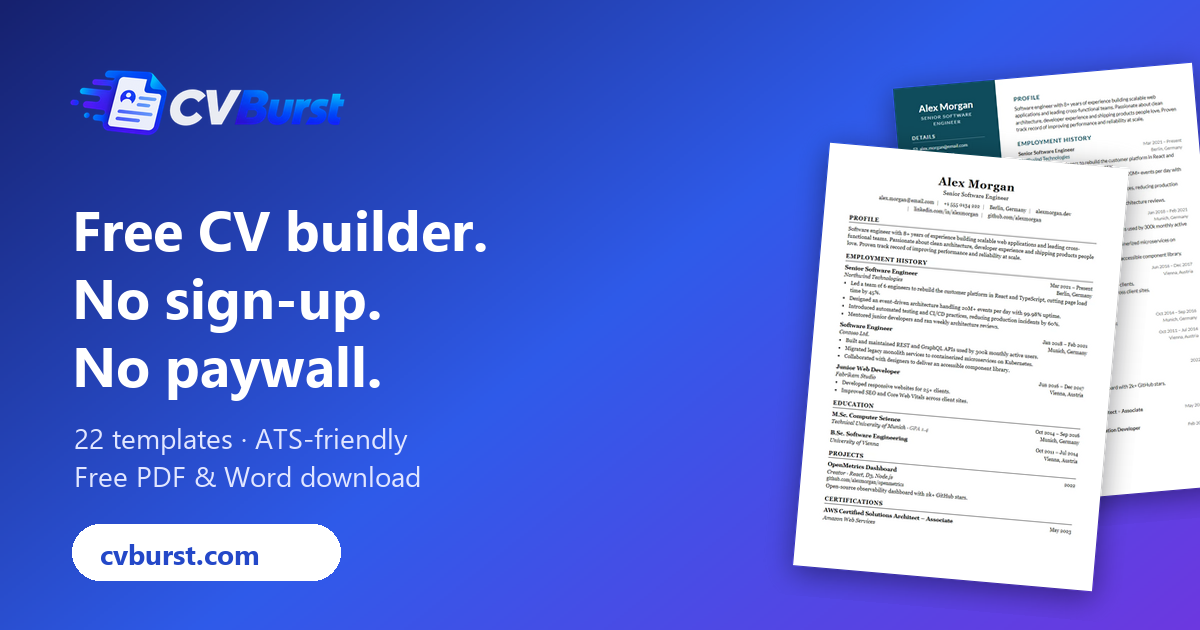
CVBurst is a free browser-based CV and resume builder that lets job seekers write, design, and download a professional document without installing software or creating an account. The product covers the process from the first line to the final download: users open the editor, fill in sections, choose from 22 templates, preview real A4 or US Letter pages, and export the result as PDF or Word. It is aimed at anyone who needs a CV or resume, including students, graduates, experienced professionals, and applicants who want to apply through online job portals. The main purpose is to make a complete, polished CV available for free, with no trial, no watermark, and no payment step at the end.
Many online CV builders require an account before users can start, place a paid subscription between the user and the finished PDF, or add a watermark on free plans. CVBurst is positioned against that pattern. The site states that creating, editing, and downloading a CV as PDF, Word, PNG, or text is completely free, and that there is no trial, no watermark, and no payment step at the end. It also changes where the document lives: without an account, a CV is saved automatically in the user's own browser rather than on the company's servers. That approach matters for job seekers who want to move quickly, avoid another password, and keep personal career information close at hand while they apply.
CVBurst offers 22 templates for different kinds of jobs and application contexts. The site highlights named examples such as Harvard for graduates and students, Nordic for modern companies and start-ups, EU Classic for applications in the European Union, and Tabular for applications in Germany, Austria, and Switzerland. The range runs from strict single-column formats intended for online job portals to designs with a photo and sidebar. Users can switch templates at any time without losing their content. Design controls include custom colours, more than 40 fonts, an optional photo, and one- or two-column layouts. The editor shows real A4 or US Letter pages, and the downloaded PDF is designed to look exactly the same as the preview.
Applicant tracking systems are a central concern in the product. Every PDF from CVBurst contains real, selectable text, which means applicant tracking software can read the document. Four templates are built specifically for online job portals; the ATS/Simple templates named in the FAQ are ATS Classic, Harvard, Clean, and Compact. These use a single-column structure described as the safest choice for online job portals. CVBurst also provides an ATS resume checker whose ATS X-ray reads the user's real PDF back to show what applicant tracking software can actually read. For users applying through corporate portals, this combination of machine-readable PDF output and a single-column template option is intended to reduce the risk that a CV is misread before a human sees it.
Users do not have to start from a blank page. They can begin from scratch, load an example, or drop in an existing CV as a PDF or Word file. The import supports PDF, Word (.docx), OpenDocument (.odt), RTF, and text files, as well as a photo or scan of a CV. CVBurst detects personal details, experience, education, skills, and languages, takes over the photo in the file, and shows a short summary of what it found and what is worth a second look. LinkedIn import is also available: users can save their LinkedIn profile as a PDF or download their LinkedIn data as a ZIP, then import it so CVBurst fills in experience, education, skills, languages, and certifications. The file is read in the browser, and the user never connects a LinkedIn account. Developers can additionally add their public GitHub projects.
Inside the editor, users fill in each section with suggestions for job titles, degrees, and skills. The product supports language customisation: every section can be renamed, and dates can be shown in English, German, French, Italian, Spanish, and more, so the whole CV can appear in the user's language. CVBurst works in any modern browser on desktop, tablet, and phone; there is nothing to install. On small screens, users switch between editing and the live preview. This browser-first approach keeps the tool accessible on the devices people already use and removes the need for a desktop application or a separate mobile app.
Downloads are not limited to PDF. Users can export an editable Word (.docx) file that keeps the layout, fonts, and colours of the chosen template, plus PNG images, Markdown, and plain text. A project file can also be saved to the computer and opened again later. CVBurst does not require an account for any of the writing, designing, or downloading features. An optional free account is available for users who want their CVs in every browser and on every device, or who want to share a CV as a read-only link. Without an account, the CV is stored in the browser's local storage; with an account, synced or shared CVs are stored with the account in the EU. When a PDF is downloaded, the CV is converted to a file and immediately discarded, so nothing is kept.
CVBurst includes a set of related tools aimed at getting the interview. The ATS resume checker shows what applicant tracking software can read from the CV. The resume-to-job-ad matcher lets users paste a job description and see which requirements their CV proves, which it only claims, and which are missing. LinkedIn to resume turns a LinkedIn profile PDF or data export into an editable CV in one step. Edit existing CV opens a PDF, Word file, photo, or scan and lets the user keep working on it in a clean template. The one-page resume maker fits a CV onto one or two pages by adjusting size and spacing within readable limits, with the user approving the result first. Anonymous CV hides the name, photo, contact details, and optionally employer names in the preview and every download. A Europass alternative provides a free Europass-style CV template and builder with PDF and Word download and no account.
The benefits follow from the product's free, no-sign-up design. A student can choose the Harvard template and build a first CV without a subscription. A job seeker applying through an online portal can select an ATS/Simple single-column template, download a PDF with real selectable text, and check it with the ATS X-ray. Someone with an old CV can import a PDF, Word file, photo, or scan, review the detected sections, and move the content into a cleaner template. A professional with a LinkedIn profile can turn that profile into an editable CV, while a developer can add public GitHub projects. Applicants who want a blind application can use Anonymous CV to hide identifying details. Users who need to tailor a CV can paste a job description into the matcher and see where the document proves, claims, or misses requirements. Because the CV can be exported as Word, PDF, PNG, Markdown, or plain text, it can move into different application systems and workflows.
CVBurst is for job seekers who want a free CV builder without an account, paywall, or watermark, including graduates, students, experienced professionals, applicants in the European Union, and people applying in Germany, Austria, and Switzerland. It also serves privacy-conscious users who prefer browser storage, mobile users who need to edit on a phone, and developers who want to import public GitHub projects. The overall value proposition is straightforward: open the editor, build or import a CV, choose from 22 templates, preview real pages, and download in PDF or Word for free. Optional sync and sharing are available, but they are not required. CVBurst keeps the path from blank page to finished application short and free.
Publisher
A
admin
Launch Date2026-11-24
Platformweb
Pricingfree